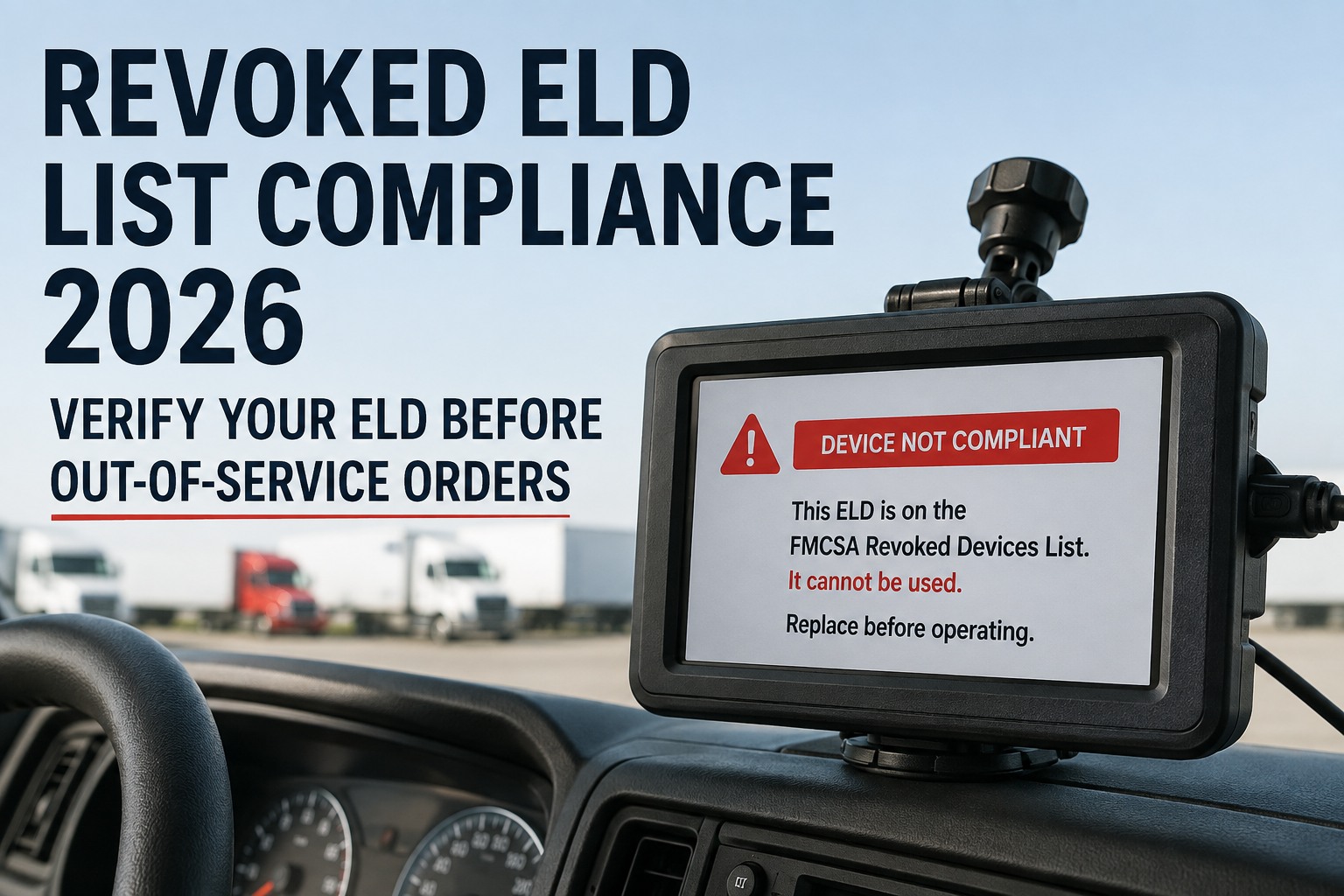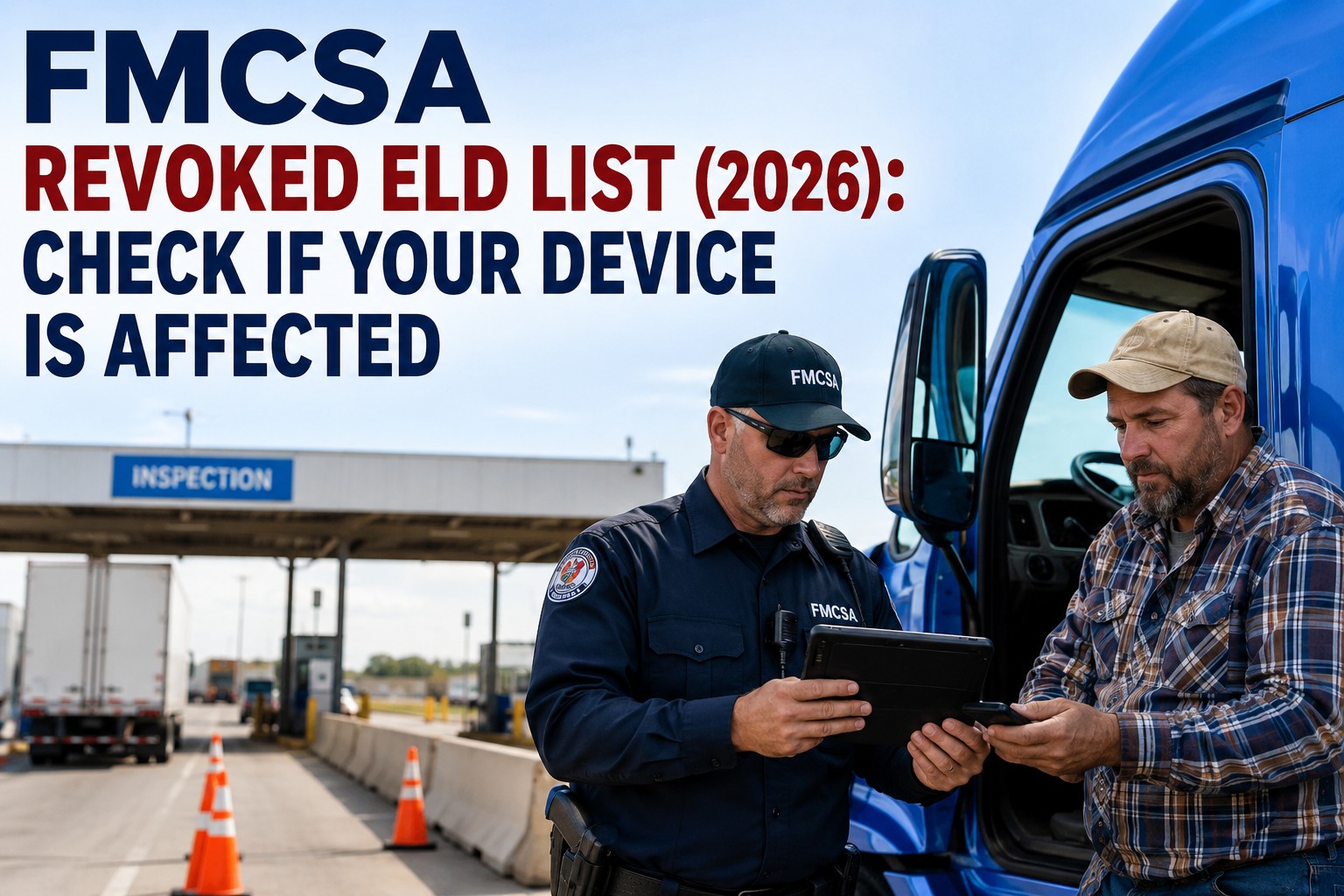
If your fleet is running an ELD that FMCSA decertified in the last 90 days, the clock is already ticking — and missing the deadline doesn't just mean a citation, it means your driver gets placed out-of-service at roadside. Since January 2025, FMCSA has removed more than 56 ELDs from its Registered Devices list, and the pace accelerated through 2026 with multi-device removals every few weeks. This guide tells you exactly how to check whether your ELD is on the revoked list, the 60-day replacement window FMCSA actually gives you (the "30-day" figure floating around is wrong — and using it can cost you a truck), what OOS exposure looks like if you miss it, and how to migrate vendors without losing inspection and maintenance records along the way. Start your free HVI trial to keep daily inspections and maintenance records airtight while you swap ELDs, or book a demo to see how HVI sits independently of your ELD stack so a vendor change never breaks compliance.
Pull up the device. The ELD Identifier (5–6 character code like "SAF193" or "HRS205") shows on the device label or in the ELD app's "Device Info" screen.
Visit the official FMCSA ELD portal and check the Registered Devices and Revoked Devices lists. Your identifier appears on exactly one of them.
If your device is on the Revoked list, the email FMCSA sent your carrier includes the 60-day deadline. Mark that date — it is the line between compliant and OOS-risk.
Recent revocations — the 2025–2026 timeline
FMCSA Administrator Derek Barrs stated in April 2026 that the agency has removed 56+ devices since January 2025 and "will keep going to protect the integrity of the ELD program." Here are the major batch removals worth knowing.
Two widely-deployed devices removed in a high-profile action. Carriers using Safe ELD on iOS, Android, or the MYLOGS platform must migrate before the deadline or face OOS at roadside.
Single-device removal (HRS205). Carriers running HERO ELD must revert to paper or compliant logging software immediately, with a registered ELD installed before June 2.
One of the largest batch revocations of the year — 14 separate devices across multiple providers failed to meet 49 CFR Appendix A to Subpart B of Part 395 minimum requirements.
Nine devices removed in a single industry-wide notice. FMCSA's email to carriers cited specification non-compliance and required full replacement.
Four devices, three providers. Two separate State Elogs hardware variants both fell off in the same notice.
End-of-year batch revocation. Carriers received industry-wide email; standard 60-day grace applied.
Three devices, three providers — first of the late-2025 revocation wave that set the pattern for 2026.
The 60-day replacement window — what to do, day by day
The "30-day window" you may have heard about is wrong. FMCSA gives motor carriers up to 60 days from the revocation date to replace a decertified ELD with a compliant device. Here's the actual countdown.
FMCSA posts the device to the Revoked list and sends an industry-wide email. Your ELD vendor may or may not notify you — assume not.
Discontinue use immediately. Revert drivers to paper RODS or other logging software for HOS. Safety officials are encouraged not to cite during this grace period.
Choose a compliant ELD from the Registered Devices list. Vet the vendor's stability — many devices got revoked because providers shut down or failed to maintain compliance.
Provision the new ELD across the fleet. Train drivers, dispatchers, and back-office staff. Migrate historical RODS data where possible.
After the 60-day grace period, any driver still using the revoked device is operating "without an ELD" — citation under 395.8(a)(1) and placement out-of-service per CVSA criteria.
What "out of service" actually costs you
An OOS placement at roadside is not a parking ticket. The financial, operational, and CSA-score consequences cascade quickly across an entire fleet.
Driver cannot continue the trip until a compliant ELD is in the vehicle or the violation is cleared. Load deadlines, customer commitments, and dispatch schedules all collapse.
"No record of duty status" violation logged against the driver and carrier. Fines, points to driver's record, and direct CSA score impact under Hours-of-Service Compliance BASIC.
Roadside OOS violations weight heavily in the HOS BASIC and add SafeStat points that affect carrier ratings, insurance rates, and new-customer onboarding for months.
Pattern of OOS violations triggers DOT compliance reviews, harder insurance renewal terms, and increased likelihood of being targeted for full safety audits.
The 5-step replacement workflow
If your ELD is on the Revoked list, the migration follows a fixed sequence. Skipping steps is how carriers end up with non-compliant installs or lost RODS data.
Immediately on notification. Continuing to use the device after Day 60 is the violation FMCSA cites for OOS. During the grace period, switch to paper RODS or a compliant logging software.
Pull the current Registered Devices list from eld.fmcsa.dot.gov. Cross-reference vendor stability — check business reviews, support quality, and reseller network. Avoid vendors with no track record.
Confirm the device you're about to buy is on the Registered list today — devices have been removed within days of being recommended. Save a dated screenshot of the listing for your records.
Roll out across the fleet within your 60-day window. Train drivers on the new interface, brief dispatchers on any workflow differences, and capture install date per vehicle for the compliance record.
Where possible, request a data export from the old vendor for past 6 months of RODS. If the vendor is unresponsive, retain paper logs from your grace-period operation as the compliant record.
Vendor migration tips — pick once, get it right
The fastest way to end up on a second revoked-list scramble is to replace one cheap unstable ELD with another cheap unstable ELD. Here's how to vet a real replacement.
Devices that have stayed on the Registered list for 3+ years are statistically far less likely to be revoked. Brand-new entries are higher risk.
Check the provider's business stability. ELDs frequently get revoked because the company shut down, stopped firmware updates, or went unresponsive to FMCSA notices.
A driver locked out at 2am at a truck stop needs to reach a human. Vet support response times, hours of operation, and replacement-device dispatch speed.
The replacement ELD should integrate with your inspection software, fuel cards, dispatch tools, and IFTA reporting. Closed-system vendors create lock-in risk.
Avoid "free hardware" offers tied to multi-year contracts with hidden cancellation fees. The cheapest ELD is often the one most likely to end up on the Revoked list.
You should be able to export your own RODS history at any time, in standard formats. Vendors that gate-keep your data make a future migration painful.
How HVI protects compliance during an ELD migration
An ELD swap takes weeks — and during that window, your daily inspection and maintenance records are the compliance side that has to keep working perfectly. A roadside inspection during your migration still expects a complete DVIR, defect-to-repair chain, and annual inspection record on every vehicle. HVI runs that side independently of whichever ELD you're swapping in or out.
HVI sits on the smartphones drivers already carry — no ELD hardware dependency. You can swap ELD vendors mid-week and your DVIR archive stays intact and inspector-ready.
Drivers complete pre-trip and post-trip inspections on the HVI app while you sort out ELD compliance. Photo-verified, GPS-stamped, FMCSA-2025-0115 compliant eDVIRs from day one.
Any defect a driver flags in HVI creates an instant work order with photo and DVIR reference. Maintenance records keep building while the ELD migration is in progress.
Every inspection, work order, repair, and PM record indexed by VIN, driver, and date. A roadside officer or DOT auditor reviewing during your ELD swap gets a complete file in seconds.
The cleanest way to survive an ELD revocation event is to have one part of your compliance stack you don't have to worry about. Start your free HVI trial and your daily inspection and maintenance records run on a separate, stable system regardless of which ELD vendor you end up with.
Frequently asked questions
An ELD revocation doesn't have to break your compliance program. Run the inspection and maintenance side on HVI — independent of whichever ELD you choose.
HVI handles daily DVIRs, defect routing, work orders, and PM tracking on the smartphones your drivers already carry. No ELD dependency, no compliance gap during a vendor migration.
No credit card required · Independent of any ELD vendor · Inspector-ready records from day one