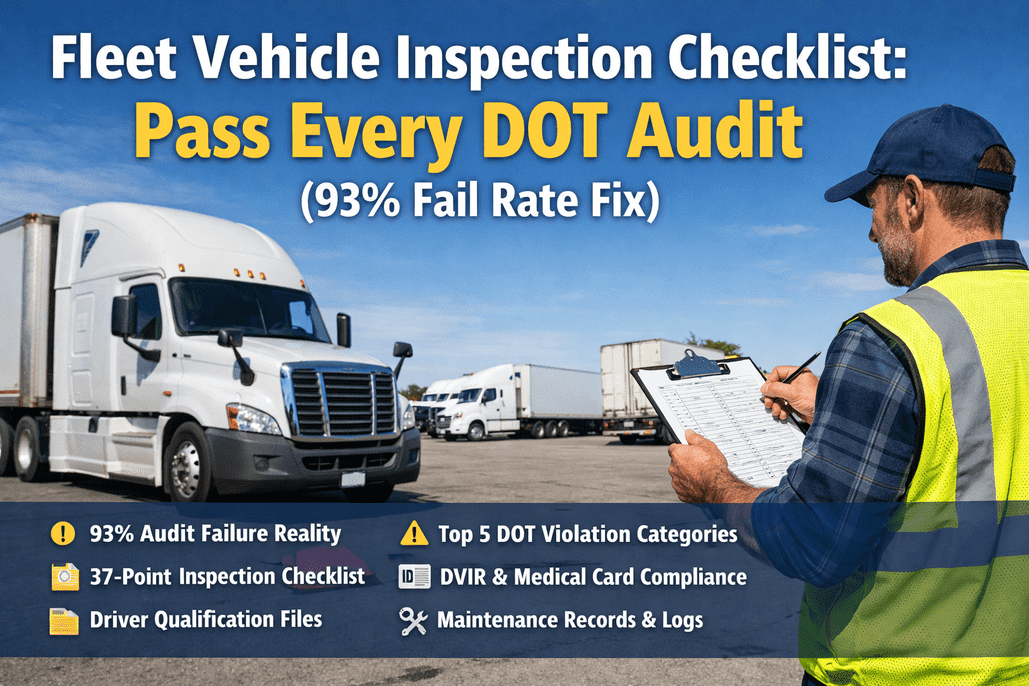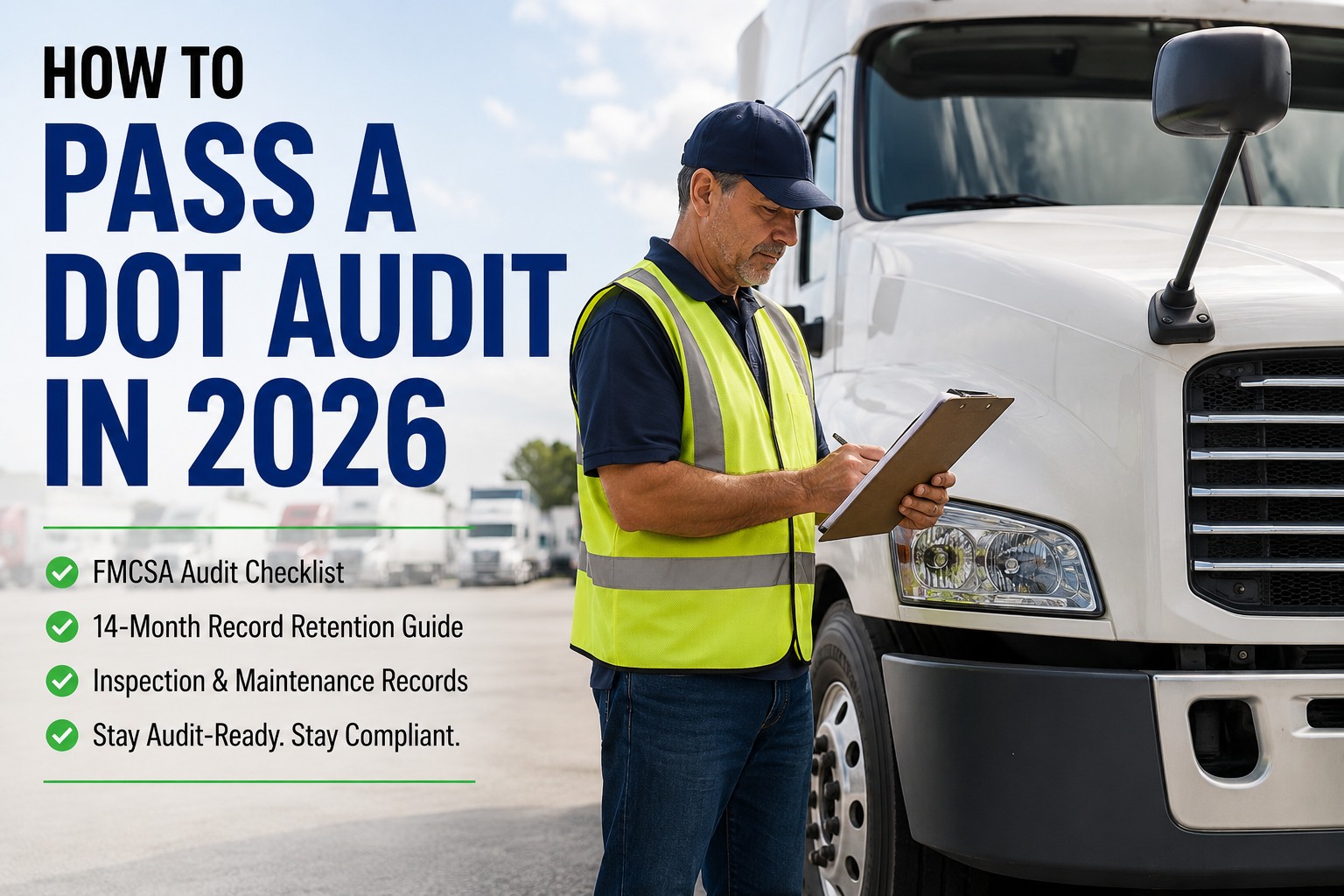
The call comes on a Tuesday: a letter from the FMCSA, a portal link, and about two weeks to hand over every record proving your fleet did what the law requires. The auditor never touches a wheel — they just ask for the paperwork. Only about 7% of carriers pass a compliance review clean, and it's almost never because a truck was unsafe. It's because a record was missing. Here's the complete checklist — the six categories, retention rules, auto-fail traps, and how a digital trail turns audit week into a two-tap export. Book a 30-minute walkthrough to see it live.
DOT AUDIT · FMCSA COMPLIANCE · 14-MONTH RETENTION
How to Pass a DOT Audit in 2026
A missing form is worth more to an auditor than a perfect truck — the record is what gets checked, not the wheel. This guide covers the six audit categories, the 14-month inspection rule, every retention timeline, and the auto-fail violations that end an audit on the spot.
Sources: FMCSA civil penalty schedule (eff. Dec 30, 2024) · 49 CFR Part 385 & 396 · 2025–2026 compliance-review data. Penalties adjust for inflation each January.
How a DOT audit actually unfolds
Nearly every review now runs off-site: FMCSA requests records, you upload them, and the whole exercise is really a retrieval test against the clock. The type you face — a new-entrant safety audit, a full compliance review, or a focused offsite audit — changes what's examined and how it ends, but the shape is the same.
The single most important thing here: a fleet that inspects diligently but files on paper can still land in the red box — not because it's unsafe, but because it couldn't produce the record in time. Book a demo and we'll run a live record pull.
The six categories every DOT audit checks
A compliance review examines the same six areas every time, in roughly this order. Build a folder — ideally digital — for each, and fill it with the records below. The two in red are where fleet and maintenance managers own the result directly.
Operating authority & insurance
- Active USDOT registration and MC authority (where applicable)
- BOC-3 process agent filing and active UCR registration
- Insurance certificate at federal minimums for your cargo
- Compliant vehicle marking on every unit
Driver qualification files
The single most-cited category — DQ file violations are roughly 12% of all FMCSA citations. One complete file per CDL driver.
- Application with 3-year employment history
- MVR from each state, within 30 days of hire, then annually
- Current CDL with correct class and endorsements
- Valid medical certificate, linked to the CDL record
- Road test certificate or equivalent
- Pre-employment and annual Clearinghouse queries
Hours of service & ELD
- Six months of ELD data or logs, retrievable
- Supporting docs — fuel receipts, bills of lading
- Proof your ELD is on FMCSA's registered list
- Documentation for any exemption you claim
Auditors usually pull one month for one driver, then check logs against the supporting docs. Mismatches are a top finding.
Drug & alcohol testing
- A written policy and compliant program (consortium if small)
- Pre-employment results before safety-sensitive work
- Random testing records and refusal documentation
- Clearinghouse compliance, in a separate confidential file
Vehicle maintenance & inspections
The category HVI builds for you — every item below forms itself from routine daily inspections.
- Written PM schedule with due dates per CMV
- 90 days of DVIRs, a dated repair behind every defect
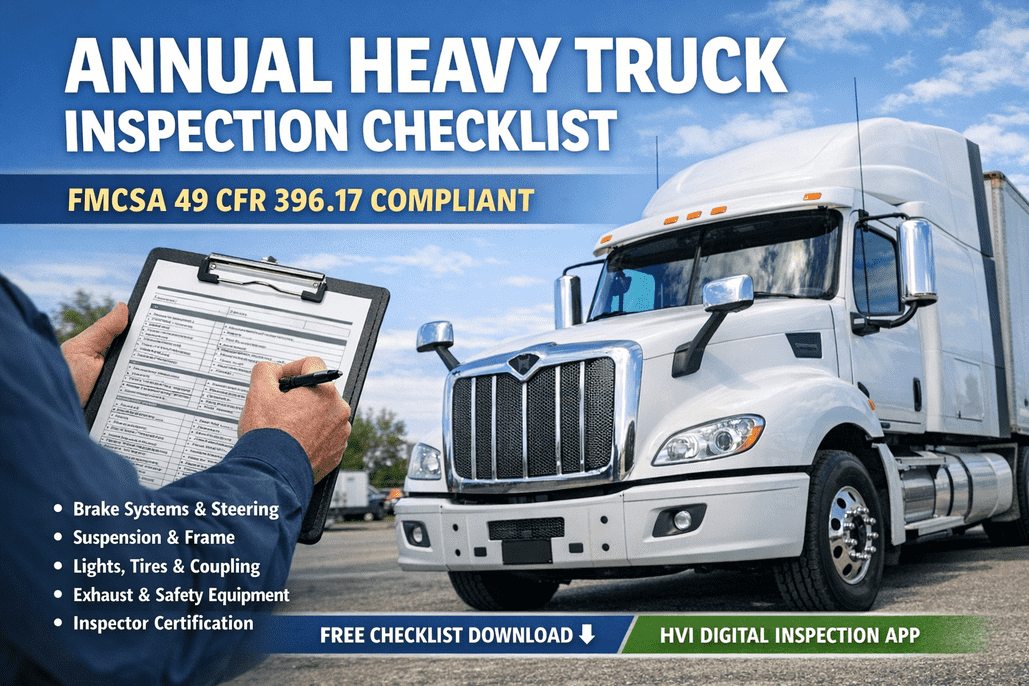
- Annual inspection reports and a current sticker per unit
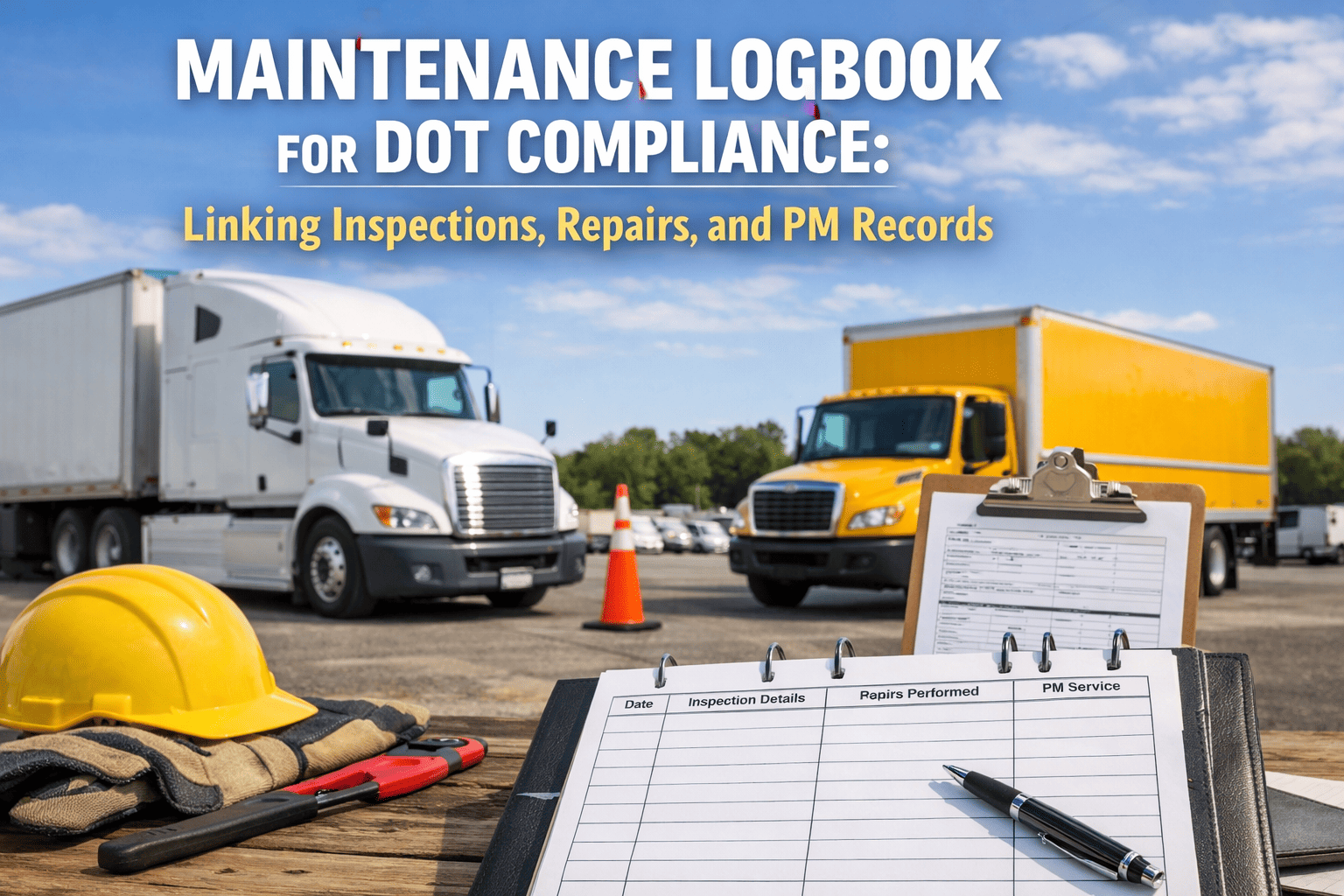
- Full repair records — date, work, parts, who did it
- Proof roadside OOS defects were repaired
Accident register
- Every DOT-reportable crash logged, kept 3 years
- Date, location, injuries or fatalities
- Whether hazmat (other than fuel) was released
- Supporting reports attached to each entry
Don't build your audit folder the week the auditor calls. Build it every day, automatically.
HVI turns each inspection, defect, and repair into a timestamped record — your vehicle maintenance category, audit-ready 365 days a year.
DOT record retention, at a glance
Getting retention right is half the battle — carriers shred a record too early and can't produce it, or hoard everything in a mess they can't search. Here's how long the maintenance-side records live, drawn to scale so the odd timelines are obvious.
The 14-month rule catches more fleets than any other bar above — because it isn't a clean twelve months. It's the current annual inspection plus roughly the previous one. If your annual inspections live on windshield decals and loose forms, proving 14 months of history per unit on demand is genuinely tough. HVI's fleet inspection software keeps that history per vehicle, so nobody has to remember a date.
The violations that fail you on the spot
For a new-entrant safety audit, 16 specific violations under 49 CFR 385.321 mean automatic failure — no matter how clean the rest of your file is. Fourteen trigger on a single occurrence; two (missing HOS records and missing annual inspections) fail you only at 51% of what's required. Here are the ones fleets hit most.
- No drug and alcohol testing program — or no random testing program
- Using a driver who refused, or failed, a required drug or alcohol test
- Using a driver with no valid CDL, or a suspended or revoked one
- Using a medically unqualified driver (expired or missing medical card)
- Operating without the required level of insurance
- Failing to require records of duty status (at the 51% threshold)
- Missing annual inspections across the fleet (at the 51% threshold)
Notice how many of these are documentation failures, not driving failures. A safe driver with a lapsed medical card, or a well-maintained fleet that can't produce its annual inspections, fails just as hard as an unsafe operation. A quick demo of how HVI flags a lapsing inspection shows how the maintenance-side failures get caught weeks early.
Paper records vs. digital DVIR: what survives audit week
Both approaches record the same checks. Only one survives a 48-hour off-site request. The difference usually isn't diligence — it's whether the proof is retrievable the moment someone asks.
Paper / spreadsheet
- DVIRs pile up in cabs — soaked, lost, or filled in after the fact
- No searchable proof a truck was inspected on a specific day
- Annual inspection dates tracked by memory or a wall calendar
- A noted defect with no linked, dated repair behind it
- Pulling 14 months of history means digging through boxes
- No realistic way to hit 48 hours under an off-site audit
Digital DVIR with HVI
- Every DVIR timestamped, GPS-stamped, and stored per vehicle
- Defects auto-raise a tracked work order with photo evidence
- Annual inspection and PM due dates flagged before they lapse
- Repairs linked to the defect that triggered them — loop closed
- Any record exported in seconds, comfortably inside 48 hours
- Signed PDF reports, organized by category and audit-ready
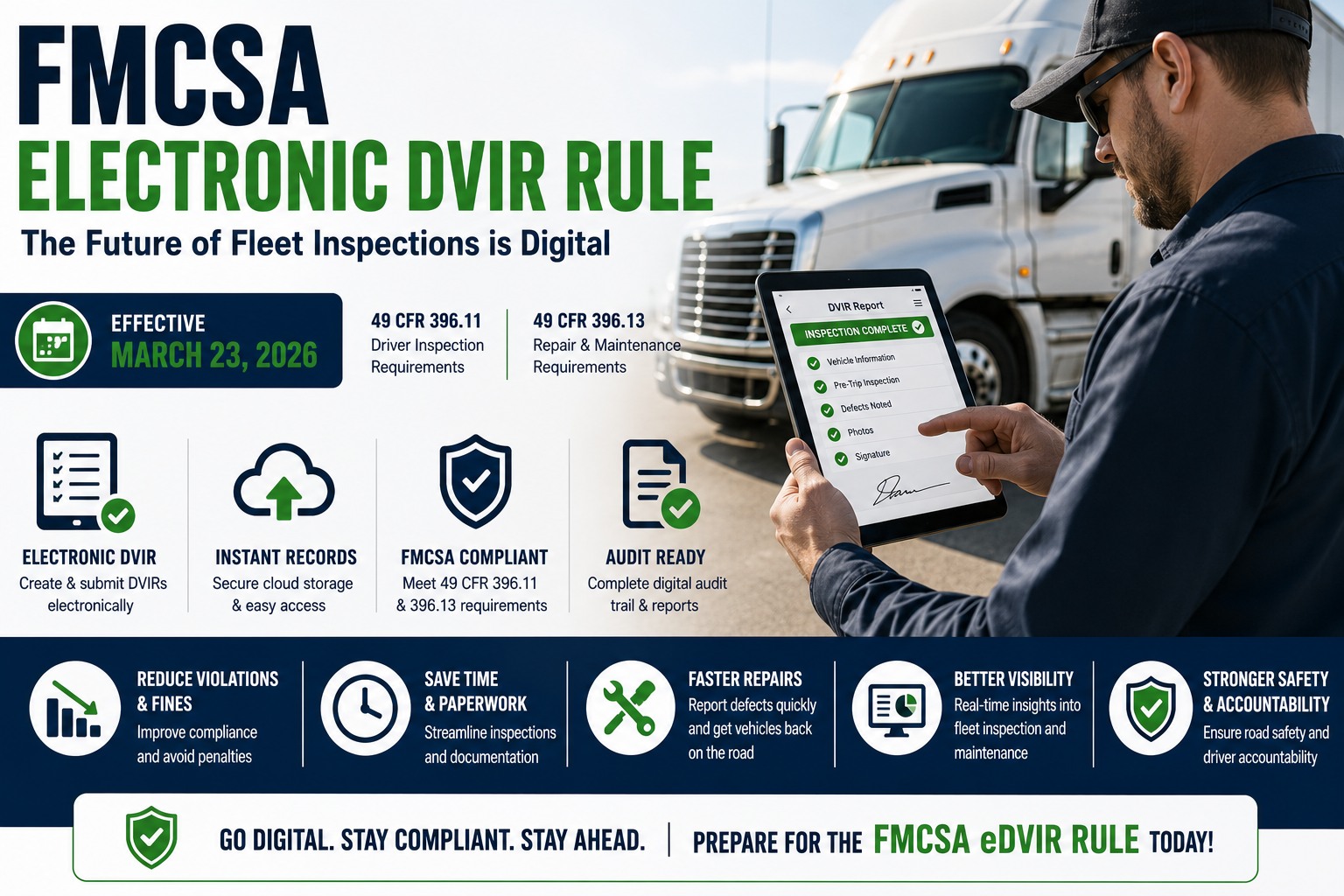
Big 2026 update: as of March 23, 2026, FMCSA formally authorized electronic DVIRs under 49 CFR 396.11 and 396.13 (rule FMCSA-2025-0115). A compliant digital inspection report now carries the same legal weight as paper — with all the retrieval upside, and many auditors prefer it for the timestamps and instant search. Still on paper? Sign up free and move your DVIRs digital before your next review.
The 5-step check before the auditor arrives
Most carriers get about two weeks' notice. These steps work whether you've got 30 days or 30 minutes — the point is to move from reactive scrambling to always-ready.
Self-audit all six categories
Hunt the obvious gaps first: expired medical certificates, missing MVRs, lapsed insurance, and any unit without a current annual inspection.
Verify 90 days of DVIRs per vehicle
Confirm each noted defect has a documented, dated repair with a mechanic's certification. An open defect is a citation waiting to happen.
Confirm the 14-month inspection trail
Every vehicle needs a current sticker and 14 months of reports. Incomplete maintenance files often escalate a routine audit into a full investigation.
Cross-check ELD against support docs
Match one driver's logs against fuel receipts and delivery records for the same period. Mismatches are a top HOS finding.
Test your own 48-hour retrieval
Pick a random vehicle and date, then try to produce its inspection, defect, and repair record. Longer than a few minutes is the gap an auditor will expose.
The audits I've watched fleets fail were almost never about an unsafe truck. It was a defect written on a DVIR six months earlier with no repair record behind it, or an annual inspection nobody could find. When every inspection and every fix lives in one system with a date on it, the audit stops being an event you dread and becomes a report you print.
— Fleet Safety & Compliance Manager, regional carrier, 48 power units
Pass your next DOT audit before FMCSA ever calls.
Digital DVIRs, annual inspection tracking, work orders, and per-vehicle history on every phone — the exact records auditors ask for, ready to export in seconds.
What changed for 2026
Two changes hit the maintenance side hard. First, FMCSA split Vehicle Maintenance into two CSA scoring categories — the standard one plus a new "Driver-Observed" score for defects a driver should have caught during a pre-trip, like bald tires or dead lights, so sloppy pre-trip habits now leave a distinct mark on your carrier profile. Second, electronic DVIRs became officially authorized, turning a documented digital inspection program from a convenience into a scoring advantage. Fleets that GPS-stamp, photo-document, and auto-generate work orders can point to a proactive program that helps on both the audit and the CSA side. Want it mapped to your units? Book a demo and we'll set it up around your fleet.
Frequently asked questions
How do I pass a DOT audit in 2026?
You pass by being ready in all six FMCSA categories — operating authority and insurance, driver qualification files, hours of service and ELD data, drug and alcohol testing, vehicle maintenance and inspections, and the accident register — and by being able to retrieve any requested record within about 48 hours. Most 2026 reviews are off-site, so retrieval speed matters as much as having the record at all. On the maintenance side, keep 90 days of DVIRs per vehicle with a documented repair behind every defect, hold 14 months of annual inspection reports, and keep general maintenance records for a year in service plus six months after. Watch the 16 auto-fail violations under 49 CFR 385.321 especially — most are documentation failures like a lapsed medical card or missing insurance. Digital DVIR and maintenance software makes all of it instantly exportable instead of something you scramble to assemble.
What documents are required for a DOT audit?
A DOT audit spans six document categories. Operating authority and insurance: USDOT registration, BOC-3, UCR, and current insurance certificates. Drivers: a complete qualification file with application, MVRs, CDL, medical certificate, road test, and Clearinghouse queries. Hours of service: six months of ELD data and supporting documents like fuel receipts and bills of lading. Drug and alcohol testing: a written program with pre-employment and random results, stored separately. Vehicle maintenance: DVIRs, annual inspection reports, a written PM schedule, and full repair history per unit. Accidents: an accident register kept for three years. Every one of these must be retrievable within about 48 hours during an off-site review.
How long do I have to keep DOT inspection records?
It depends on the record type. DVIRs must be kept for 3 months (90 days). Annual, or periodic, inspection reports must be kept for 14 months from the report date — the timeline that trips up the most fleets because it isn't a round year. General inspection, repair, and maintenance records must be kept for one year while the vehicle is in your fleet plus six months after it leaves. Roadside inspection reports are kept for 12 months, inspector qualification records for the duration of employment plus one year after the inspector stops inspecting, and driver qualification files for employment plus three years. Digital records are fully acceptable under FMCSA rules and make hitting these timelines far easier.
What causes an automatic failure of a DOT safety audit?
For a new-entrant safety audit, 16 specific violations under 49 CFR 385.321 cause automatic failure regardless of how well you do elsewhere. The most common include: no drug and alcohol testing program (or no random program), using a driver who refused or failed a required test, using a driver with no valid CDL or a medically unqualified driver, and operating without required insurance. Fourteen of the sixteen fail you on a single occurrence; two — failing to require records of duty status and missing annual inspections — only trigger automatic failure at a 51% threshold. Most of these are documentation failures rather than driving failures, which is why keeping records current and retrievable is the core of passing.
Is a digital or electronic DVIR acceptable for DOT compliance?
Yes. As of March 23, 2026, FMCSA formally authorized electronic DVIRs under 49 CFR 396.11 and 396.13, so a compliant digital inspection report has the same legal standing as a paper one. Beyond acceptance, many auditors actually prefer electronic records because they carry timestamps, are automatically backed up, and can be searched and produced in seconds — exactly what an off-site audit's 48-hour turnaround demands. A digital DVIR system also links each reported defect to its repair, closing the loop that paper systems tend to leave open and that auditors specifically look for.
Be one of the 7% who pass clean.
HVI turns daily DVIRs, defect repairs, annual inspections, and preventive maintenance into a timestamped, searchable, audit-ready record for every vehicle — the exact trail an FMCSA review examines, exportable in seconds. Stop letting a missing form turn a routine audit into a fine.
No credit card required · Live in under two weeks · Digital DVIRs + work orders + annual inspection tracking + 14-month retention + signed PDF reports