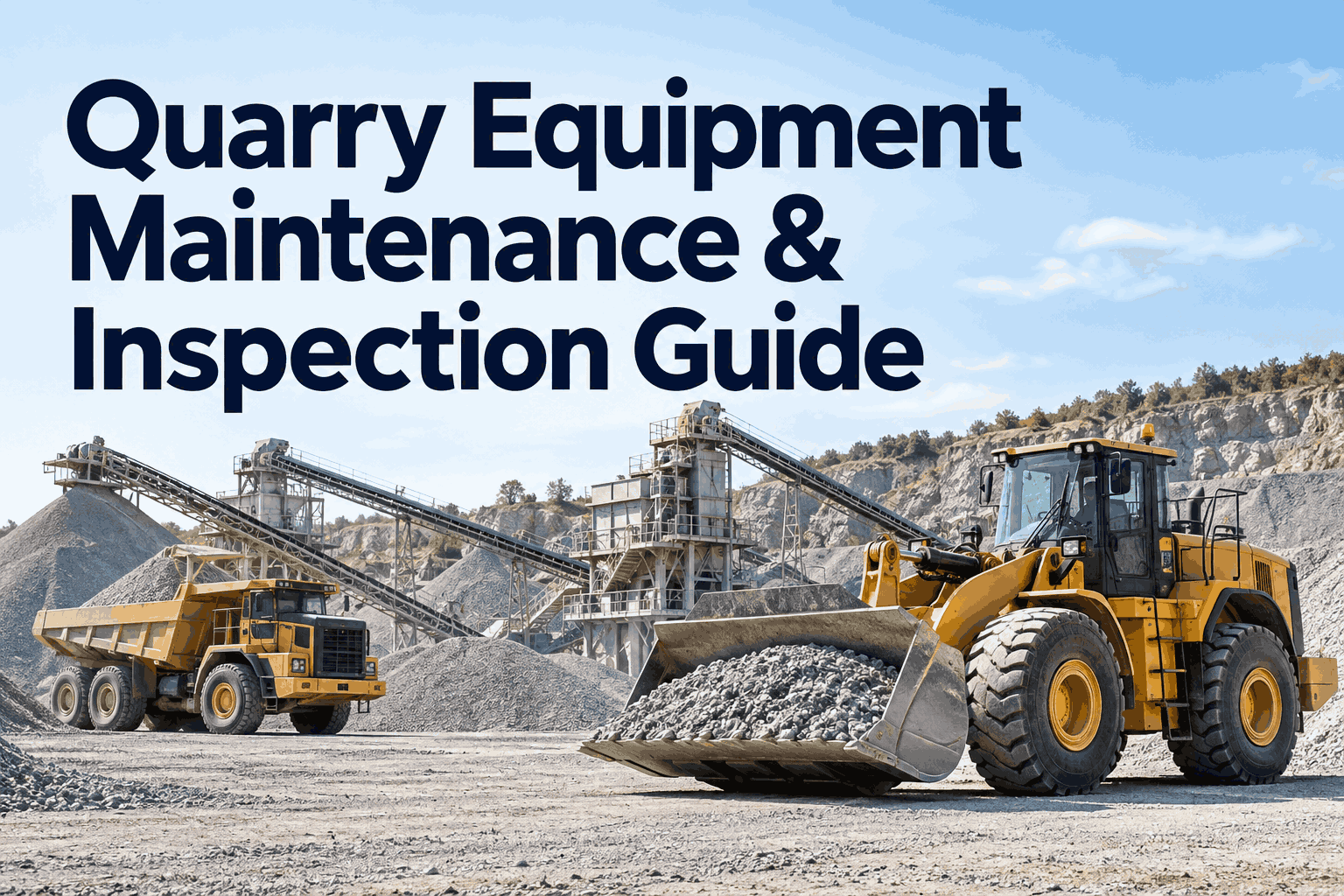
If you run a quarry, you already know the catch most tools miss: you aren't managing one fleet, you're managing two. The mobile side — loaders, haul trucks, drills — wears by the hour; the fixed plant — crusher, screens, conveyors — wears by the tonne. Real quarry equipment maintenance runs both on the right schedule at once, because the moment one link stalls, everything upstream stops earning. See how it works on your own fleet — book a demo.
A quarry runs two worlds. One platform should run both.
Mobile equipment scheduled by run-hours. Fixed plant scheduled by tonnage and condition. HVI holds both in one maintenance program, so nothing in the production chain gets left to breakdown luck.
The reason quarry equipment maintenance is harder than ordinary fleet upkeep isn't the dust or the duty cycle — it's that two completely different kinds of machines share one production line, and a single tool usually only handles one of them well. Below is how the program splits, what each machine actually needs, and the dashboard that runs the whole thing.
1 linkis all it takes to stop the whole chain
When the primary crusher trips, the loaders and haul trucks behind it keep burning fuel and wages with nowhere to tip. That cascade — one failure freezing everything upstream — is why aggregate operators treat downtime as the defining cost, not a line item. Industry research widely cited across plant-maintenance studies finds poorly managed maintenance can swallow as much as 40% of an operation's budget, most of it through exactly this kind of preventable, cascading failure. Book a demo to see chain risk flagged before it stalls feed →
Two worldswhy one PM template across the fleet always fails
The most common planning mistake in quarry plant maintenance is scheduling everything the same way. Mobile machines and fixed processing plant wear on different clocks — give them the same trigger and you either over-service one or run the other to failure.
- Wears by hours under load, not by the calendar
- A double-shift truck blows past a 250-hour service in days
- Needs operator pre-shift checks every single start-up
- Oil, filters, grease, tyres, brakes on an hours clock
- Wears by material processed, not hours running
- Liner and jaw wear tracked against tonnes, replaced on measure
- Belt splices, idlers and guards checked on condition rounds
- One seized idler can scorch a long run of belt
HVI runs both logics side by side: run-hour PM for the rolling fleet, tonnage- and condition-based PM for the plant, each asset on the trigger that matches how it actually wears. See how preventive maintenance scheduling handles meter, calendar and tonnage triggers together.
Machine by machinethe PM trigger and the failure it prevents
A real quarry equipment maintenance program assigns each machine its own checklist and its own schedule trigger. Here's the mixed fleet laid out the way HVI tracks it — swipe sideways on mobile to see the full table.
| Machine | World | PM trigger | What goes wrong without it |
|---|---|---|---|
| Wheel loader | Mobile | Run-hours | Slower load cycles choke truck utilisation before a bucket or hydraulic failure |
| Haul truck | Mobile | Engine hours | A single truck down bottlenecks a reported 20–40% of a shift's tonnage |
| Drill rig | Mobile | Run-hours / cycles | Missed blast delays starve the crusher of feed material |
| Primary crusher | Fixed | Tonnage + condition | Worn liners or a mantle at limit; a trip stops the entire plant at once |
| Conveyor | Fixed | Condition rounds | A seized idler or peeling splice can burn down a long belt run |
| Screen deck | Fixed | Tonnage + condition | Blinded or torn media drops throughput and product spec quietly |
In HVI each asset carries its own class-specific checklist, so a haul-truck pre-shift and a crusher round are never the same form. That ties straight into digital equipment inspections — separate, by the way, from the proof-and-audit focus of our quarry equipment inspection software page, which covers the record-keeping side. Book a demo to map these checklists to your asset register →
The dashboardwhat the maintenance manager actually sees each morning
This is the view that makes the program real: every quarry asset, its next PM, and the defects that turned into live work orders overnight — the proof a maintenance manager has to stand behind in the Monday review.
Every row traces back to a real input — a tonnage counter, an engine-hour reading, or an operator's photo from the pit. Nothing here is typed from memory. That's the difference between a maintenance program and a wall calendar. Analytics and reporting turn these same rows into PM-compliance and cost trends over time, and you can book a demo to see this board built on your own units.
Reactive → plannedwhere the 30% downtime cut actually comes from
Run it till it breaks
- Failures announce themselves weeks early and get missed
- Long-lead spares aren't on the shelf when they're needed
- Emergency repair + lost production + overtime, every time
- No record to defend when a regulator or insurer asks
Service on the number
- PM fires the moment a meter or tonnage threshold is crossed
- Wear tracked, so the liner is on site before it's needed
- Work batched into shift changes and natural production lulls
- Full history on every asset, searchable in seconds
One documented aggregate-producer case study (Titan America) reported cutting downtime by roughly 30% after moving to a structured preventive maintenance program — the gain doesn't come from working harder, it comes from the schedule firing on the real number instead of a guess. Parts and inventory tracking is what closes the long-lead-spare gap that sinks most reactive shops. Start free and put step one in place this week →
From a maintenance manager who runs a mixed pit
We'd run the whole yard off one service calendar for years. The loaders were getting babied and the crusher kept surprising us — a liner would hit the wall mid-shift and we'd lose half a day because the replacement was still three days out.
Splitting it — hours for the mobile gear, tonnage for the plant — was the whole fix. Now the system tells me the liner's at 80% while there's still runway to order it. The surprises mostly stopped. My overtime line is the number that really changed.
Quarry equipment maintenance — FAQs
Why shouldn't I schedule all quarry equipment the same way?
Because mobile equipment and fixed plant wear differently. Loaders, trucks and drills wear by run-hours; crushers, screens and conveyors wear by tonnage and condition. One shared calendar over-services the fleet and runs the plant to failure. Each asset needs the trigger that matches how it actually wears.
Should quarry PM be based on hours, calendar, or tonnage?
All three, depending on the machine. Haul trucks and loaders run best on engine hours, drills on hours or cycles, and crushers and screens on tonnage processed plus condition checks. HVI lets you set each asset's trigger individually and raises the work order automatically when it's crossed.
Why does crusher downtime cost more than a loader going down?
A crusher is the chain's bottleneck. When it trips, the loaders and haul trucks feeding it have nowhere to tip, so they stall too — one failure freezes the whole site at once. A single loader down slows one point; a crusher down stops production end to end.
How do operator pre-shift checks fit into the program?
They're the earliest warning you have. Operators spend a full shift with the machine, so a photo-backed pre-shift check catches defects before they become breakdowns. In HVI any flagged item becomes a work order routed straight to the maintenance supervisor — no paper, no lost note.
Does HVI work for equipment spread across a large or remote pit?
Yes. The mobile app works offline down in the pit and syncs when it reconnects, so a check done out by the face isn't lost to poor coverage. Every asset, mobile or fixed, lives in one register the whole team can see across sites.
Run your whole quarry on the right schedule, not breakdown luck
HVI tracks every loader, haul truck, drill, crusher and conveyor on the trigger that fits it, turns operator checks into work orders, and keeps long-lead spares ahead of wear. Live on your asset register in under two weeks.
No credit card · Works offline in the pit · Mobile fleet and fixed plant on day one