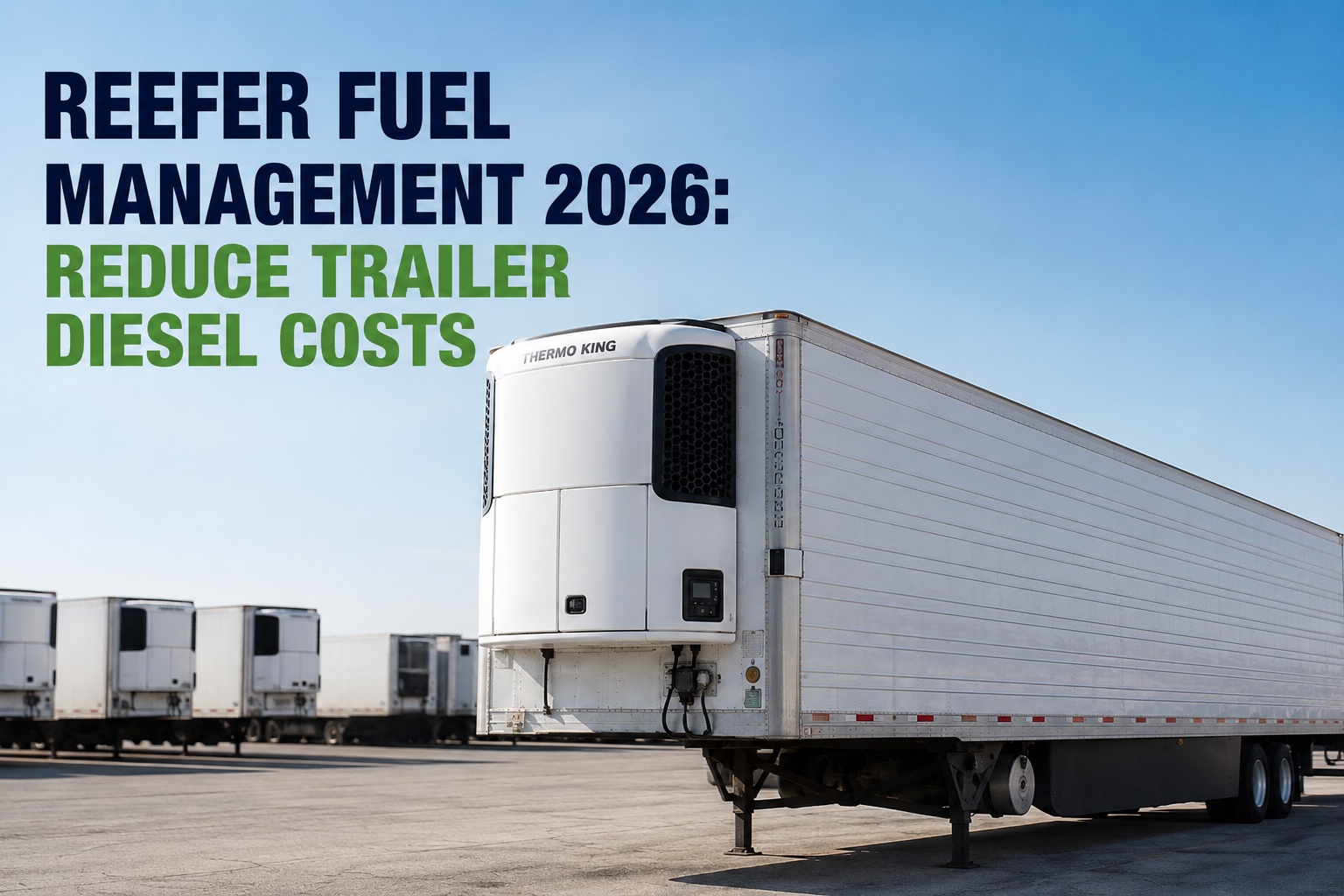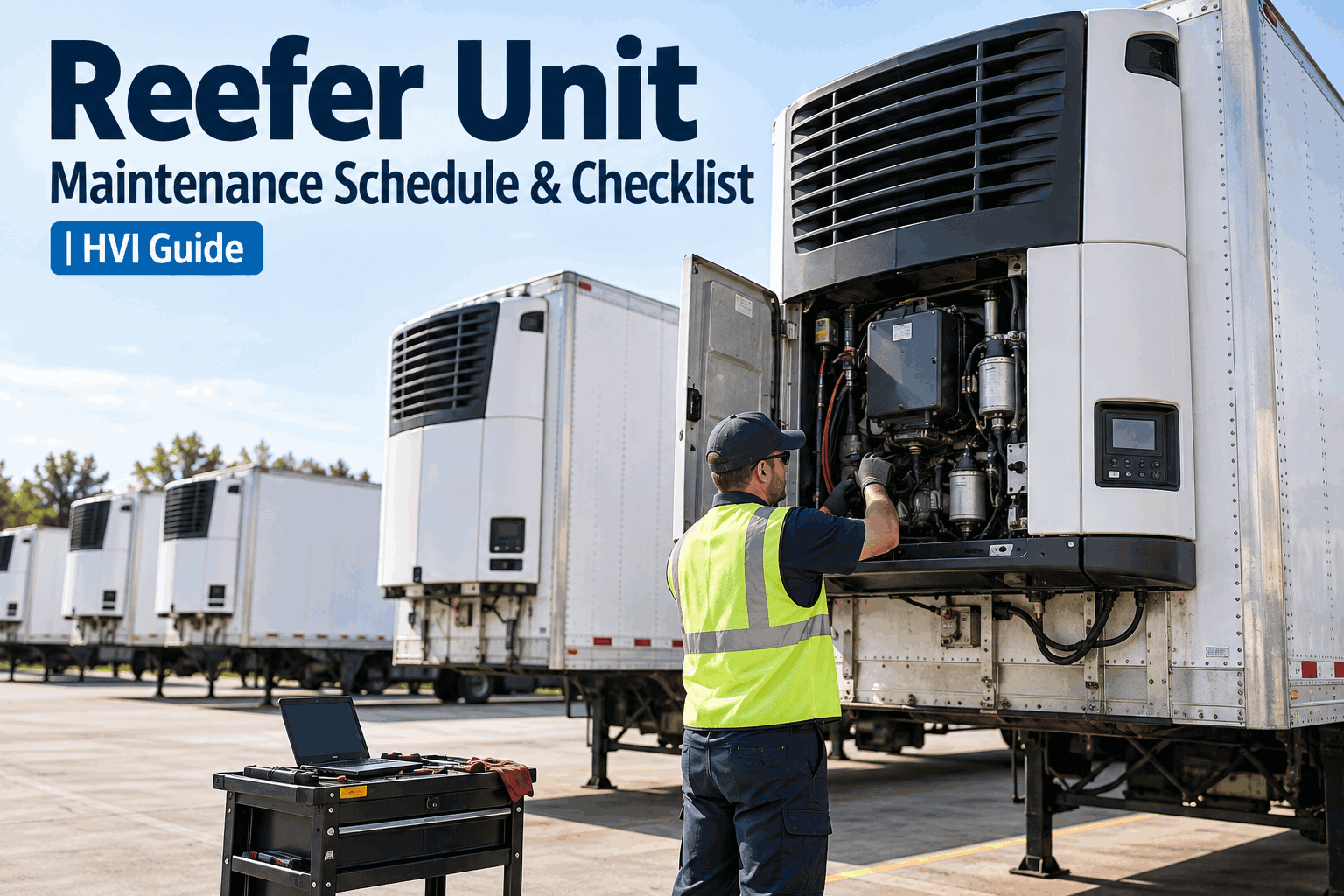
A refrigeration unit is a diesel engine bolted to a trailer, and it keeps running long after the truck pulling it has clocked off — holding a load through a weekend layover, idling at a dock, pre-cooling before a pickup. That's why reefer unit maintenance can't run on the trailer's odometer: the unit ages by engine hours, not miles, and a mileage or calendar reminder sails right past it. The fix is a schedule built on the unit's hour meter, structured as a stack of milestones from your OEM's numbers — and that's what this guide lays out. Book a demo to see reefer PM scheduled on engine hours.
The Reefer Ages by Hours, Not Miles
The trailer runs on mileage; the refrigeration unit runs on its hour meter — and the two rarely line up. A working reefer schedule stacks hour milestones so small checks catch wear before the big service, and every tier comes from the OEM's numbers, not a rule of thumb.
Refrigerated transport runs on tighter tolerances than any other fleet asset. A reefer that drifts a few degrees above setpoint on an overnight haul doesn't just fail a temperature log — it can spoil the load, trigger a food-safety issue, and cost a five-figure claim. The unit, the seals, the airflow, and the temperature monitoring all have to work at once, and the schedule that keeps them working is built on hours, not the trailer's miles.
Why the Schedule Runs on Hours
The core scheduling problem is that a refrigerated trailer is two assets with two clocks. The trailer accumulates miles; the reefer accumulates run hours — and the two are almost never proportional.
Runs on mileage
Annual DOT-style inspection, brakes, tires, coupling, insulation and floor — all on a mileage-based schedule tied to the trailer's own odometer, like any other trailer.
Runs on engine hours
Oil, filters, belts, refrigerant, and controls — all on hour-meter intervals from the unit's own run time, which piles up idling at docks and holding loads overnight, independent of miles.
A trailer might cover a long-haul year's miles while its reefer logs a couple of thousand engine hours doing it — roughly the engine wear of a hundred thousand automotive miles. Tie the reefer's service to the trailer's mileage and you're servicing it blind. This "two assets, two clocks" reality is covered in HVI's refrigerated-fleet maintenance approach shown in a demo; here the focus is the schedule it demands. Start free and track the reefer's hour meter separately.
Build the Schedule From the OEM, Not a Rule of Thumb
Before any interval numbers, the honest starting point: there is no single universal reefer service interval. The correct schedule comes from the refrigeration-unit manufacturer for your specific unit, model, and how hard it runs.
The OEM schedule is the source
The unit maker publishes the hour intervals and tasks for each model. That schedule — not a generic number — is what your PM should be built on, because intervals differ by unit and configuration.
Duty cycle shifts the interval
A unit running 18+ hours a day on a hot produce lane needs service far sooner than one making short local hops. The hour interval holds; the calendar speed to reach it changes with duty.
Calendar backstops the hours
Some tasks are also time-based regardless of hours — refrigerant checks, seasonal readiness, annual items. A good schedule tracks hours and calendar together so neither trigger is missed.
The interval figures in this guide are illustrative of how the tiers stack, not numbers to copy — your OEM's schedule governs. What's universal is the structure: hour-triggered milestones, stacked so small checks happen often and big services happen on their own cycle, with a calendar backstop for time-sensitive tasks. Get the structure right and plug in the OEM's numbers. Book a demo to load your OEM intervals into the schedule.
The Stacked Hour-Milestone Structure
A good reefer schedule doesn't wait until one big interval to look at the unit. It stacks smaller checks on top of larger services, so belts and seals get seen often while the deep work happens on its own cycle. Here's the typical shape — with your OEM's exact hours.
Quick check
A short, frequent look: drive belt tension and condition, door seal integrity, refrigerant pressure reading, and a visual over the unit. Catches the fast-moving wear items between bigger services.
Service interval
The routine service: engine oil and filter change, coolant level, air filter, and a battery and wiring inspection. The workhorse PM that keeps the drive engine healthy.
Major inspection
The deeper look: compressor performance test, condenser coil cleaning, evaporator check, and defrost-system verification — the refrigeration-side work that protects cooling capacity.
Overhaul review
The planning point: a full unit assessment and component-replacement review, looking ahead to what needs doing before the next long cycle — catching the big-ticket items early.
The power of the stack is that nothing waits fifteen hundred hours for its first look — a belt gets eyes on it every couple hundred hours, while the compressor test happens on its own cycle. Each tier includes the ones below it, so a 1000-hour visit also does the 250 and 500 items. That layering is what an hour-based schedule does that a single "every 90 days" reminder can't. Start free and build the stacked schedule per unit.
The Checks That Don't Wait for a Milestone
Between the hour milestones, some things get checked every trip — because a reefer fault mid-haul is a load, not a delay. The pre-trip on a refrigerated trailer adds items a dry-van check never has.
Review the control panel: any active alarm blocks the trip, and recent cleared alarms flag a developing issue. Check the hour meter against the PM schedule.
Reefer fuel level, engine oil and coolant, and drive belts for glazing, cracking, or chunks — the drive engine that has to run the whole haul.
Condenser fins clear of debris, defrost cycle configured right, and the airflow path — T-floor, chute, door seals — that actually keeps the rear pallets cold.
Confirm the setpoint and mode, and verify the temperature probes against a reference — because a drifting probe means the load runs warmer than the display admits.
The pre-trip and the hour-milestone schedule work together: the milestones handle the wear and the deep service, and the pre-trip catches what changed since the last trip. Neither replaces the other — a unit fresh from a 500-hour service can still leave with an active alarm or a probe that drifted overnight. Book a demo to see the reefer pre-trip gated on alarms.
Sensors, Alarms and the Invisible Failure
The most dangerous reefer faults are the ones that don't announce themselves — the unit reads fine on the display while the cargo warms. That's why sensors and alarm history get their own attention in the schedule.
A temperature probe that's drifted a few degrees means the trailer is running that much warmer than the setpoint shows — potentially above a safe transport threshold without the operator ever knowing. Calibrating or verifying probes against a reference is what catches it.
A cleared fault code hides a developing problem. Reviewing alarm history — not just the current state — surfaces the intermittent fault that keeps resetting before it becomes a full failure mid-load.
A worn door seal or degraded insulation lets warm air in, driving return-air temperature up and the unit into continuous run — more fuel, more wear, and drift the unit may not alarm on until it's already too warm.
These share a signature: measurable symptoms building for a while before any alarm. A structured schedule that verifies probes, reviews alarm history, and checks seals catches them in the window where they're a note in the record, not a rejected load at the dock. The temperature system is only protective if it's true — and only calibration keeps it true. Start free and log probe calibration and alarm history.
How HVI Schedules Reefer PM by Hours
An hour-based schedule only works if something reads the hour meter and fires the reminder in time — which most mileage-based systems can't. Three capabilities make the reefer's own clock drive its maintenance.
Hour + calendar PM triggers
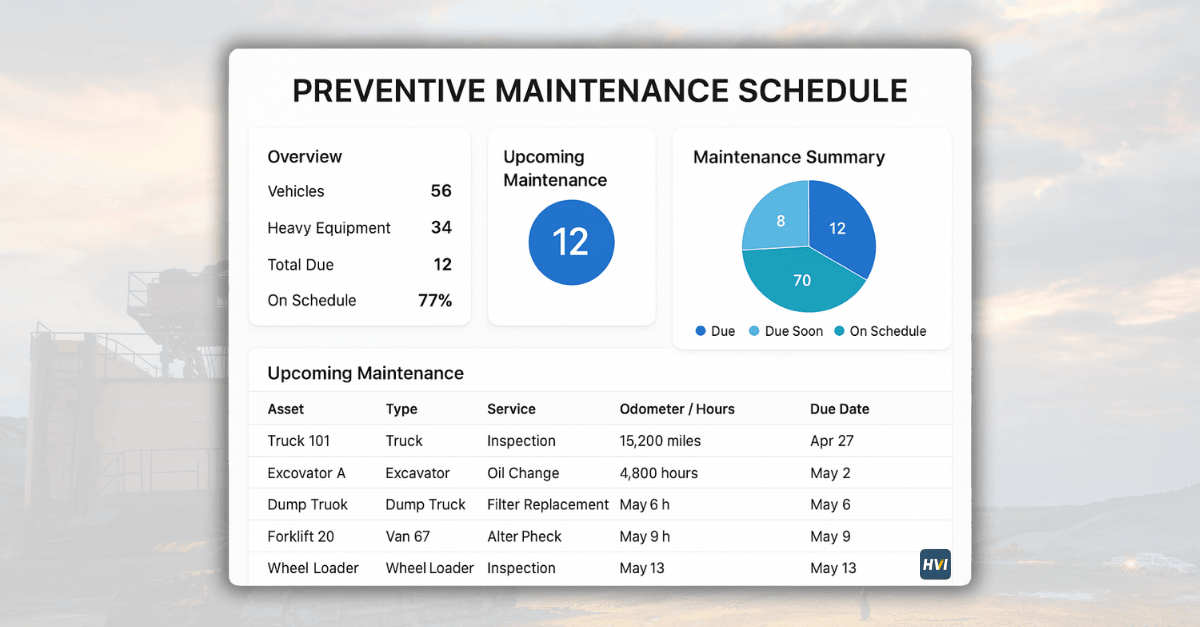
Schedule the tiered milestones against the reefer's hour meter and the time-based tasks against the calendar — both tracked per unit, with the reminder firing before either threshold slips past.
Configurable inspection templates
Build the pre-trip and each service tier as templates — belts, coils, probes, alarms, seals — with photo evidence on every defect, run in the field on a phone.
Alarm records & service history
Log alarms and defects, retain the service history, and keep it all on the reefer as its own asset under the trailer — so the maintenance and diagnostic record lives where the failures happen.
The result is a refrigeration unit maintained on its own clock: the hour milestones fire on time, the calendar tasks don't slip, the pre-trip catches what changed, and the whole history — services, alarms, probe calibrations — sits on the reefer asset. That's the difference between a reefer PM program and a warm trailer nobody saw coming. Book a demo to see it on your reefer fleet. Start free and put reefers on an hour-based schedule.
From a fleet manager who stopped servicing reefers by the calendar
We ran reefer PM on a ninety-day calendar and thought we were on top of it — until a unit on a hard produce lane failed at what should've been mid-cycle. It had logged a full service interval's hours in six weeks; the calendar just hadn't caught up. Once we scheduled off the hour meter, the busy units got serviced when they'd earned it. We haven't lost a load to a missed reefer service since.
Frequently asked questions
How is reefer unit maintenance scheduled?
On the refrigeration unit's engine hours, not the trailer's mileage. A reefer is a diesel engine that runs independently of how far the trailer travels — idling at docks, holding loads overnight — so it ages by run time. The schedule stacks hour-based milestones (a frequent quick check, a routine service, a major inspection, and an overhaul review) built from the unit manufacturer's published intervals, with a calendar backstop for time-sensitive tasks like refrigerant checks. Exact intervals vary by unit, model, and duty cycle, so the OEM schedule for your specific unit is the source of truth.
Why does a reefer run on hours instead of miles?
Because the refrigeration unit's diesel engine keeps running when the trailer isn't moving. A trailer might cover a long-haul year's miles while its reefer logs a couple of thousand engine hours doing it — running through dock queues, overnight layovers, and pre-cooling. The engine wear correlates with those run hours, not the trailer's odometer. Tying reefer service to trailer mileage means a hard-working unit gets serviced far too late, so its maintenance has to be triggered by its own hour meter to reflect the actual wear it's taken.
What are the reefer service intervals?
There's no single universal figure — intervals come from the unit manufacturer and vary by model and duty. A common structure stacks tiers: a short quick check (belts, seals, refrigerant pressure) at a frequent interval; a routine service (oil, filters, coolant, battery) at a longer one; a major inspection (compressor test, condenser cleaning, evaporator, defrost) deeper still; and a periodic overhaul review. Higher-utilization units running many hours a day reach each milestone sooner. Always build the schedule from your OEM's published hours for the specific unit rather than a generic number.
What should a reefer pre-trip inspection cover?
On top of the standard trailer pre-trip, the reefer-specific items: review the alarm history and hour meter (an active alarm should block the trip); check reefer fuel, engine oil, coolant, and drive belts; confirm condenser fins are clear and the defrost cycle is set correctly; verify the airflow path and door seals; and confirm the setpoint, mode, and temperature probe accuracy against a reference. These catch what changed since the last trip — a drifting probe, a cleared alarm, a torn seal — that the hour-milestone services aren't there to catch mid-cycle.
Why does temperature probe calibration matter?
Because a drifted probe makes the whole temperature system lie. If a probe reads a few degrees cooler than reality, the trailer is running that much warmer than the setpoint shows — potentially above a safe transport threshold for the cargo — and the operator never sees it, because the display looks correct. For temperature-controlled and food loads, that's a compliance and spoilage risk that no amount of mechanical PM catches. Verifying or calibrating probes against a known reference on a schedule keeps the monitoring true, which is the point of having it at all.
Schedule the Reefer on Its Own Clock, Not the Trailer's
Track the reefer's engine hours, trigger the tiered PM from your OEM's intervals, run the pre-trip and service templates with photo evidence, log alarms and probe calibrations, and keep it all on the reefer asset under the trailer — so the refrigeration unit is serviced when it's earned it, and no load is lost to a service the mileage schedule never saw. Live in under two weeks, trusted by 25,000+ users worldwide.
No credit card · No hardware · Reefer PM scheduling ready on day one