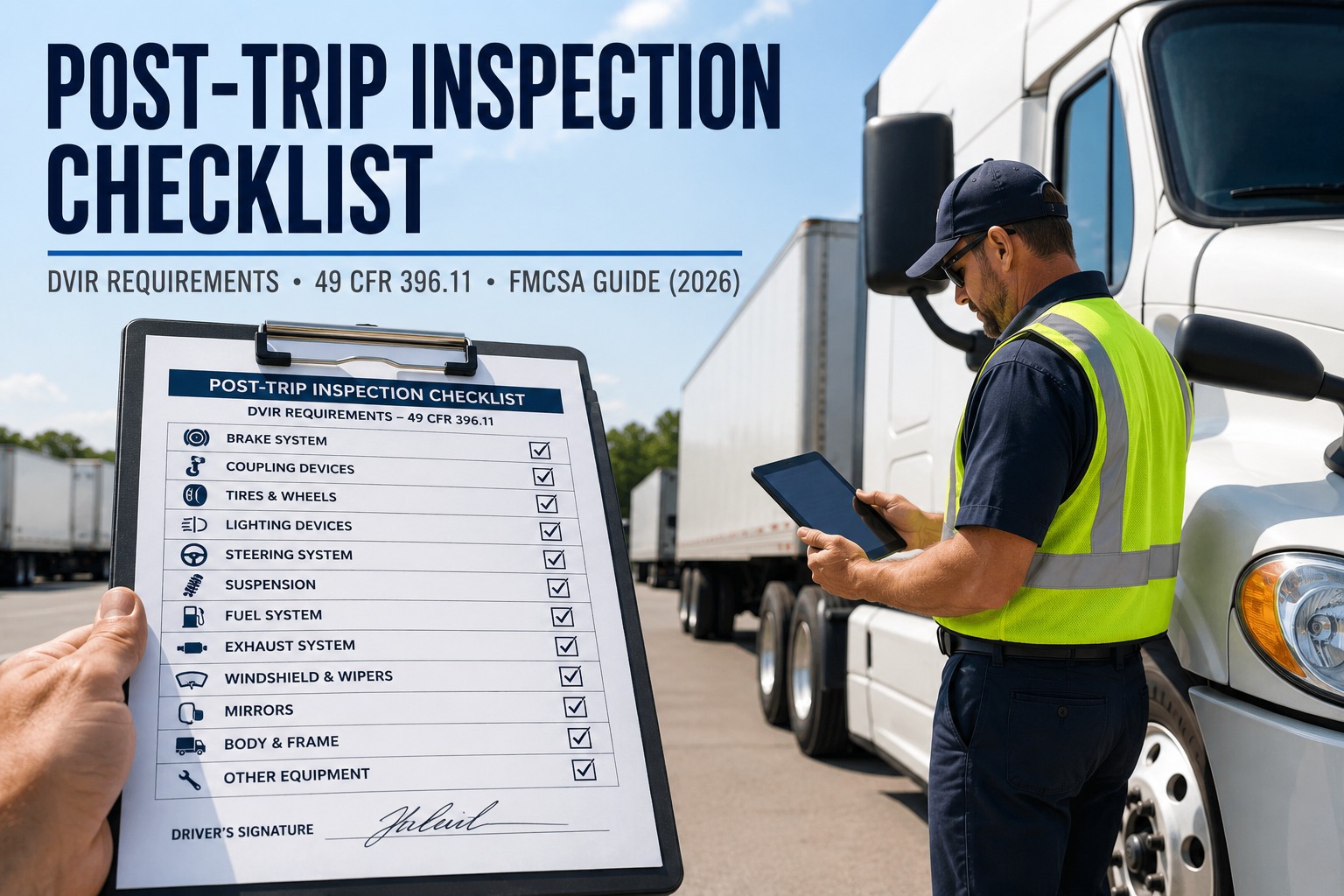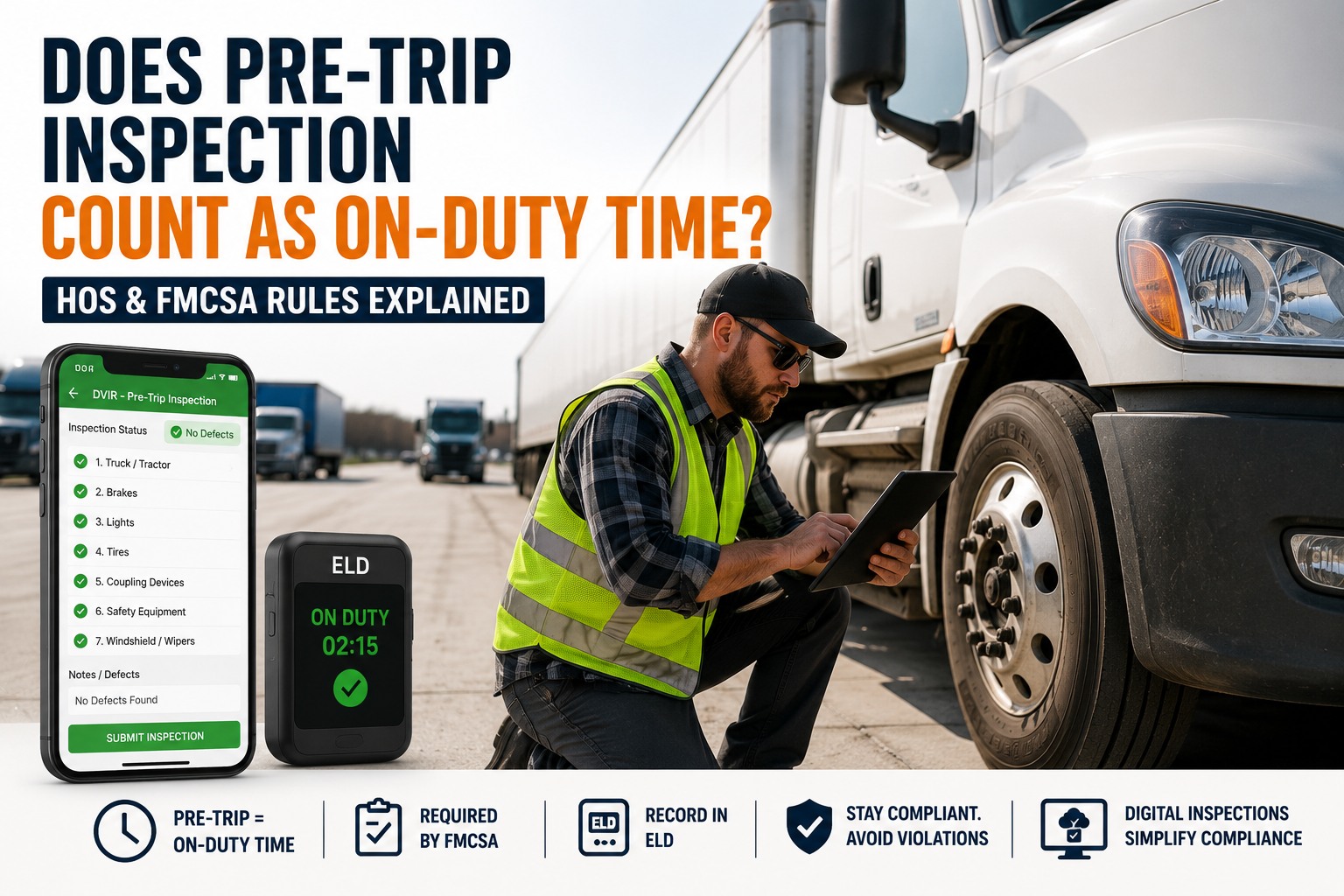
You're in the yard at 5 a.m., walking the truck before a single wheel has turned. The engine's off, you're not driving — so does that ten minutes even count against your clock? It's one of the most common Hours of Service questions drivers ask, and getting it wrong is how a log quietly drifts out of compliance. Here's the short version: yes, a pre-trip inspection counts as on-duty time under FMCSA Hours of Service rules — specifically on-duty, not driving. The longer version, below, covers exactly which clocks it burns, how to log it right on an ELD, and why the inspection record and the HOS log are two separate things you have to get right. Book a walkthrough to see digital pre-trip records that hold up in an audit.
It's logged as On-Duty, Not Driving
Under FMCSA Hours of Service rules (49 CFR Part 395), a pre-trip inspection is work — so it's on-duty time, recorded in the "On-Duty, Not Driving" status, even though the truck never moves.
- Duty status
- On-Duty, Not Driving
- Burns the 14-hr window
- Yes
- Burns the 11-hr driving limit
- No
- Counts to 60/70-hr total
- Yes
That one-word answer is the easy part. The reason this question trips people up is everything downstream of it: a pre-trip burns some of your clocks but not others, an ELD won't log it for you automatically, and the inspection itself is a completely separate record from the time entry. Get any of those wrong and a technically-correct inspection still produces a non-compliant log. Let's walk through each.
Where a pre-trip fits in the four duty statuses
Every minute of a driver's day falls into one of four HOS duty statuses. A pre-trip inspection is unambiguously the fourth one — you're working, but not behind the wheel in motion.
-
OFF
Off Duty
Relieved of all work. Your own time — not a pre-trip.
-
SB
Sleeper Berth
Resting in the berth. Also not a pre-trip.
-
D
Driving
Vehicle in motion. The pre-trip happens before this starts.
-
ON
On-Duty, Not Driving
This is your pre-trip. Working — inspecting, fueling, paperwork — but not driving.
The same status covers your post-trip inspection, fueling, loading, unloading, and paperwork. Anything that's work but isn't driving lands here. See how a timestamped digital pre-trip lines up with your logs
Which HOS clocks a pre-trip actually burns
This is the part that matters most, because a pre-trip doesn't affect every limit equally. It counts against two of your clocks and leaves one alone — and knowing the difference is what keeps you from running out of window mid-route.
-
14-hour driving window — counts
The 14-hour clock starts the moment you come on duty and can't be paused. Your pre-trip runs it down just like driving does, which is why a long inspection eats into the time you have left to drive.
-
11-hour driving limit — doesn't count
The 11-hour limit tracks actual driving time only. A pre-trip is on-duty not driving, so it doesn't touch your 11 hours — you still have all of them once you roll.
-
60/70-hour weekly total — counts
All on-duty time, driving or not, feeds your 60-hours-in-7-days or 70-hours-in-8-days cap. Every pre-trip adds to that weekly total and moves you toward a required 34-hour restart.
So the practical takeaway: a pre-trip shortens your workday window and your weekly cap, but never your driving hours. Skipping it to "save time" on the log isn't just non-compliant — it's the kind of gap an auditor spots instantly. Keep an auditable pre-trip record on every truck
How to log pre-trip time on an ELD (the part people miss)
Here's the trap: an ELD automatically switches you to "Driving" only when the vehicle is in motion. A stationary pre-trip triggers nothing — so if you don't set your status yourself, that time can sit as off-duty and quietly falsify your log. The fix is a simple, deliberate routine.
-
1
Set your status to On-Duty, Not Driving first
Before you start the walkaround, manually change your duty status to on-duty not driving. The ELD won't do it for you while the truck is parked, so this is on you — and it's the step most often skipped.
-
2
Annotate it as a pre-trip inspection
Add a short annotation — "pre-trip inspection" — so the record explains itself. Clear annotations are exactly what an inspector or auditor looks for to match your on-duty time to a real task.
-
3
Complete the actual DVIR separately
Setting your status logs the time; it doesn't document the inspection. You still complete the driver vehicle inspection report itself — the two are different records, covered next.
-
4
Switch to Driving only when you roll
Once the inspection's done and you pull out, the ELD picks up the driving status automatically. If you ever edit a status after the fact, the ELD keeps the original and requires an annotation explaining the change.
None of this is hard — it's just easy to forget at 5 a.m. Drivers who build the status-change into the start of their walkaround, the way they build in checking the tires, never have the gap. Book a demo to see a pre-trip routine drivers actually follow
The DVIR and the HOS log are two different records
This is where a lot of the confusion lives. "Doing a pre-trip" actually produces two separate compliance obligations, under two separate rules — and satisfying one doesn't satisfy the other.
HOS log entry
Your ELD or paper log shows the pre-trip as on-duty-not-driving time, under 49 CFR Part 395. This proves when you were working and that your hours are accurate — but it says nothing about what you actually inspected.
DVIR
The driver vehicle inspection report, under 49 CFR 396.11 and 396.13, documents what you inspected and any defects found. This proves the inspection happened and what condition the vehicle was in — but it isn't a time record.
An auditor can and does look at both, and cross-references them. If your log shows twelve minutes of on-duty-not-driving at 5 a.m. but there's no inspection record to match, or a DVIR with no corresponding on-duty time, that mismatch is a red flag. Keeping them aligned is the whole game. As of 2026, the FMCSA final rule confirms DVIRs can be created and signed electronically under 396.11 and 396.13. Sign up free and keep DVIRs that match your logs
The logging mistakes that cause violations
Almost every pre-trip HOS problem comes down to a handful of avoidable errors. They're all small — and all exactly what enforcement is looking at more closely in 2026, with ELD-to-document cross-referencing a stated Roadcheck focus.
-
Leaving the pre-trip as off-duty
The most common error. The truck's parked so the ELD stays quiet, the driver never sets on-duty, and the log understates real on-duty time — which is a falsification, even if unintentional.
-
Editing a status without an annotation
Fixing a missed status change is fine — but every ELD edit needs an annotation explaining it, and the device keeps the original. An unexplained edit looks like tampering.
-
A DVIR with no matching on-duty time
An inspection report timestamped at 5:05 a.m. with the log showing off-duty until 5:30 is a contradiction. The two records have to tell the same story about the same minutes.
-
Assuming the short-haul exemption always applies
Drivers within the 150 air-mile (or non-CDL 100 air-mile) short-haul exception may skip full RODS and ELDs — but they still follow core on-duty rules, and the exemption's conditions have to actually be met that day.
None of these require bad intent — they're routine slips. But under a compliance review or after a crash, an understated log or a mismatched record carries real penalties, up to five figures, plus out-of-service exposure. Book a demo to tighten your pre-trip documentation
Expert view
The pre-trip-as-off-duty thing is the single most common log error I catch in an audit prep. It's never malicious — the driver's parked, the ELD's quiet, they just forget to flip to on-duty before they start walking the truck.
But on paper it reads like they inspected the vehicle in zero minutes, or didn't inspect it at all. When the DVIR timestamp and the duty status finally line up, the whole log gets more defensible overnight. Two records, same story — that's all an auditor wants to see.
Frequently asked questions
Does a pre-trip inspection count as on-duty time?
Yes. Under FMCSA Hours of Service rules in 49 CFR Part 395, a pre-trip inspection is a work-related task, so it must be logged as on-duty, not driving — even though the vehicle isn't moving. FMCSA explicitly lists pre-trip inspections among the on-duty activities, alongside loading, unloading, fueling, and paperwork. That on-duty-not-driving time counts against your 14-hour driving window and your 60- or 70-hour weekly total, but not against your 11-hour driving limit, which tracks actual driving time only. Post-trip inspections work exactly the same way. Recording the pre-trip as off-duty understates your real on-duty time and is considered a falsification of your record of duty status, even when it's an honest mistake.
How do I log a pre-trip inspection on my ELD?
Manually. An ELD only switches to the Driving status automatically when the vehicle is in motion, so a stationary pre-trip won't be recorded unless you set it yourself. Before you begin the walkaround, change your duty status to on-duty, not driving, and add a short annotation such as "pre-trip inspection" so the entry explains itself. Complete the actual driver vehicle inspection report separately — setting your status logs the time, but it doesn't document the inspection. When you finish and pull out, the ELD picks up the driving status on its own. If you have to correct a missed status change later, the ELD allows limited edits but keeps the original record and requires an annotation explaining the change, so always note why you edited it.
Does a pre-trip inspection count against the 11-hour driving limit?
No. The 11-hour driving limit tracks only actual driving time — time with the vehicle in motion in the Driving status. A pre-trip inspection is on-duty, not driving, so it doesn't reduce your 11 hours of available driving time. However, it does count against your 14-hour driving window, which starts when you come on duty and can't be paused, and against your 60-hour-in-7-days or 70-hour-in-8-days weekly on-duty total. In practical terms, a long pre-trip shortens how much of your 14-hour window is left for driving and adds to your weekly cap, but you still have your full 11 hours of driving time available once you start rolling.
Is the DVIR the same as my Hours of Service log?
No — they're two separate records under two separate rules, and you need both. The Hours of Service log, kept on your ELD or paper RODS under 49 CFR Part 395, is a time record: it shows the pre-trip as on-duty-not-driving time and proves your hours are accurate. The driver vehicle inspection report (DVIR), under 49 CFR 396.11 and 396.13, is an inspection record: it documents what you inspected and any defects found. One proves when you were working; the other proves what you checked and the vehicle's condition. Auditors cross-reference the two, so they need to align — an on-duty entry with no matching DVIR, or a DVIR with no corresponding on-duty time, is a red flag. As of 2026, FMCSA confirms DVIRs may be created and signed electronically.
Do short-haul drivers have to log pre-trip inspection time?
Drivers who qualify for the short-haul exception — generally operating within a 150 air-mile radius for CDL drivers, or 100 air-miles for certain non-CDL drivers, and returning to their work reporting location within the day — may be exempt from keeping full records of duty status and from using an ELD. Those drivers typically track on-duty time through a simplified timecard method rather than minute-by-minute logging. However, the exemption only applies when its specific conditions are actually met that day, and short-haul drivers are still bound by the core Hours of Service limits, including the on-duty window. The pre-trip is still on-duty time either way — the exemption changes how it's recorded, not whether it counts. Drivers who move in and out of short-haul eligibility should confirm their status each day rather than assuming it always applies.
Your ELD logs the hours. HVI documents the pre-trip.
HVI captures every pre-trip as a timestamped, photo-backed digital DVIR under 49 CFR 396.11 — the inspection record that has to line up with your on-duty-not-driving time. Pair it with your ELD and the two halves of the story finally match, so a compliance review finds alignment instead of a gap.
No credit card · No hardware · Live on your fleet in under two weeks