You log in one morning and there's an email from FMCSA: the ELD your whole fleet runs on has been pulled from the registered list. The clock starts that day, and if you're still running that device past the deadline, your drivers get placed out of service at the scale — not fined and waved on, parked. ELD decertification has become a routine event, with FMCSA removing devices in batches every few weeks. This guide walks you through exactly what to do when your ELD is revoked: the real replacement window, the migration sequence, and how to keep the rest of your compliance intact while you swap. Book a 30-minute walkthrough to see how HVI keeps your inspection records airtight through a vendor change.
ELD Decertification: What to Do When FMCSA Revokes Your Device
Your ELD just came off the FMCSA registered list. Here's the real 60-day replacement window, the out-of-service risk if you miss it, and the migration steps that keep your fleet legal and your records intact.
- Replace within60 days
- After deadlineDriver OOS
- Cited under395.8(a)(1)
- InterimPaper logs OK
-
60 days
the real replacement window from revocation — not the "30 days" myth
FMCSA revocation notices -
79+
ELD devices removed from the registered list since January 2025
FMCSA, May 2026 -
395.8(a)(1)
the "No record of duty status" violation cited after the deadline
49 CFR 395.8 -
OOS
drivers placed out of service at roadside once the window closes
CVSA OOS Criteria
What ELD decertification actually means
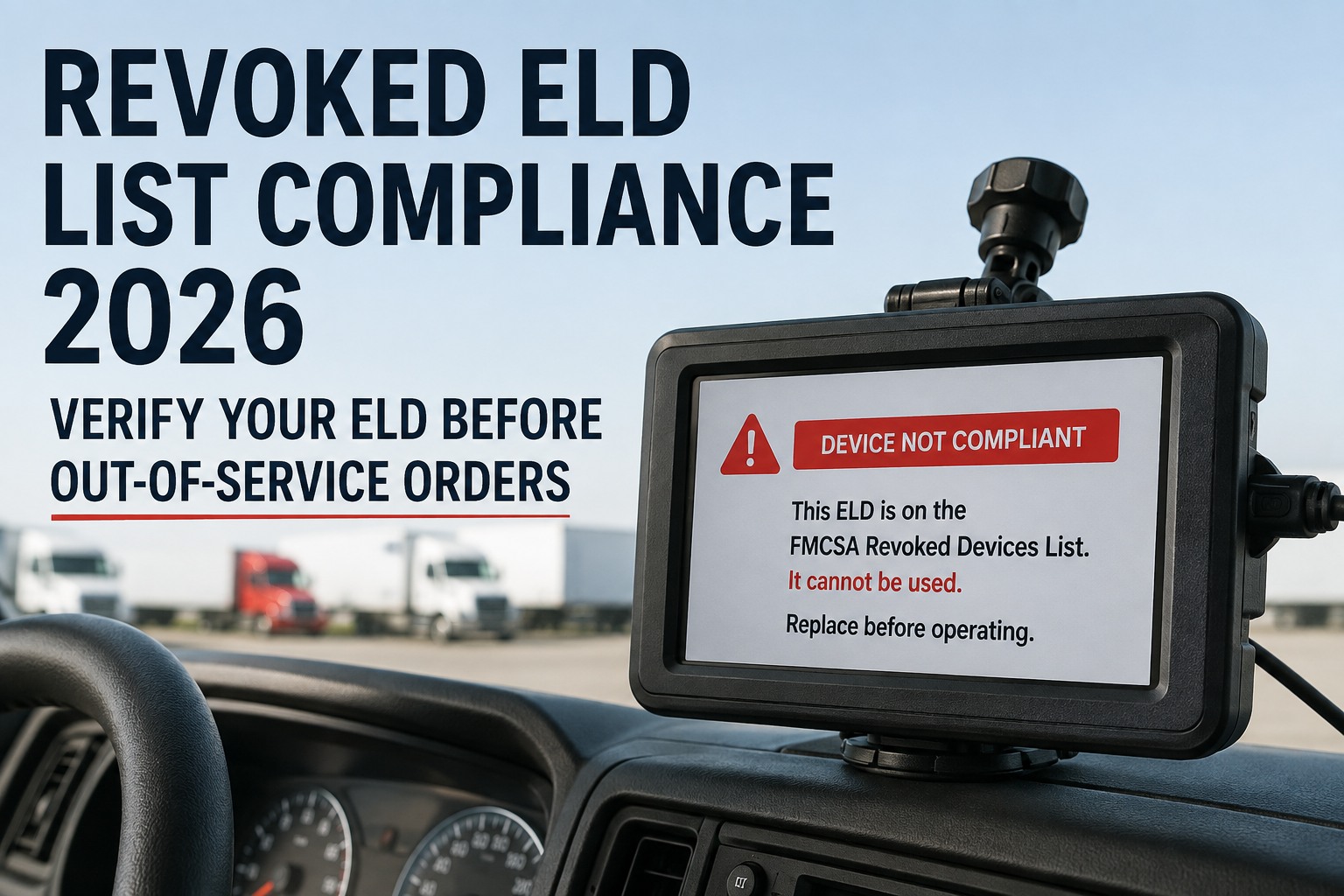
An ELD gets decertified when FMCSA removes it from the registered devices list for failing the minimum technical requirements in 49 CFR Appendix A to Subpart B of Part 395. Once that happens, the device is no longer a valid ELD in the eyes of an inspector — running it is treated as running no ELD at all. This isn't a rare event anymore. FMCSA has removed 79+ devices since January 2025, often in batches of a dozen at a time, every few weeks. The reasons are usually on the provider's side, not yours: the company shut down or went unresponsive, the firmware stopped matching FMCSA's specs, the device failed its self-monitoring requirements, or the provider simply stopped maintaining its registration. You did nothing wrong — but the compliance exposure lands on you. See how HVI stays independent of your ELD choice
The 60-day countdown, decoded
There's a dangerous myth floating around that you get 30 days. You don't — FMCSA gives motor carriers up to 60 days from the revocation date to install a compliant replacement. But the window has two distinct phases, and treating them the same is how a truck ends up parked.
You can run on paper
Discontinue the revoked device immediately and switch to paper logs or compliant logging software to record hours of service. During this window, inspectors are told not to cite the driver for "no record of duty status" — they'll ask for the paper logs or logging software instead. This is your runway to migrate.
The truck gets parked
Starting on the published deadline, a driver still running the revoked device is treated as operating without an ELD. Safety officials cite 49 CFR 395.8(a)(1) — "No record of duty status" — and place the driver out of service under CVSA criteria. No deliveries, no exceptions.
The grace period is generous on paper, but paper logs across a whole fleet are their own compliance headache — and the enforcement date arrives fast when you're sourcing hardware and retraining drivers. Start migrating the day the email lands. Book a demo to see a vendor-independent compliance stack
Your ELD migration sequence
When your device is on the revoked list, the migration follows a fixed order. Skipping a step is how carriers end up with a non-compliant install or lost records-of-duty-status data. Work it in sequence.
Work it in sequence, and the migration stays clean even under deadline pressure. Start free and keep your inspection records steady through the swap
-
1
Confirm the revocation
Check the FMCSA registered and revoked device lists for your exact ELD name, model, and identifier. Note the published deadline date — that's your Day 60.
-
2
Switch to the interim method
Stop using the revoked device now. Move drivers to paper logs or compliant logging software so hours of service stay documented while you replace hardware.
-
3
Export your RODS data
Pull and back up your existing records-of-duty-status data before the old system goes dark. You still have to retain and produce this history — don't lose it in the switch.
-
4
Select a registered replacement
Choose only from FMCSA's current registered list. Verify the device is active and the provider is responsive — the last thing you want is to migrate onto the next device that gets revoked.
-
5
Install, train, verify
Install before the deadline, retrain drivers on the new interface and log-transfer process, and confirm the ELD is recording and transferring correctly at a roadside check.
What a missed deadline really costs
The out-of-service order is just the first hit. Miss the window and the damage compounds well past the roadside stop.
-
Immediate downtime
The driver is parked where they stand. Load deadlines, customer commitments, and the day's dispatch collapse on the spot.
-
Citation & CSA points
A "no record of duty status" violation logs against driver and carrier, adding weight to your Hours-of-Service Compliance BASIC.
-
Insurance & ratings
OOS violations weigh heavily in the HOS BASIC and follow you into insurance renewals and new-customer onboarding for months.
-
Audit exposure
A pattern of OOS violations can trigger a full DOT compliance review — the last thing you want auditors looking at closely.
How to avoid getting caught again
ELD revocations aren't slowing down, so the goal is to never be surprised by one. A few habits keep you ahead of the next batch removal.
Caught flat-footed
- Find out your ELD is revoked from a roadside citation
- Scramble for paper logs with no backup plan
- Lose RODS history when the old system goes dark
- Vendor change knocks out inspections and maintenance too
- Race the 60-day clock with no runway left
Ahead of it
- Monitor FMCSA's registered list and subscribe to notices
- Keep a paper-log contingency drivers already know
- Back up RODS data on a regular schedule
- Run inspections and maintenance on a separate, stable platform
- Vet a replacement provider's track record before you need one
The single biggest stress-reducer is decoupling: when your inspection and maintenance compliance lives independently of your ELD, a forced ELD swap becomes a hardware project, not a compliance emergency. Sign up free and keep inspections steady through any ELD change
Expert view
We got the revocation email on a Friday. Our whole fleet was on that device. The panic wasn't the ELD swap itself — it was realizing our DVIRs and maintenance records were tangled up in the same vendor's platform, so changing one meant re-doing everything.
After that we split them apart on purpose. Now inspections and maintenance run on their own system, and the ELD is just the ELD. Last time a device got revoked, we swapped hardware in a week and nothing else even flinched. That separation is the whole game.
— Marcus K., Compliance Manager, regional dry-van fleet
Frequently asked questions
What does it mean when an ELD is decertified?
ELD decertification means FMCSA has removed the device from its list of registered ELDs because it failed to meet the minimum technical requirements in 49 CFR Appendix A to Subpart B of Part 395. Once a device is revoked, it's no longer a valid ELD — running it is treated the same as operating without one. Removals are usually driven by the provider's failures rather than the carrier's: the company shut down or went unresponsive, the firmware no longer matches FMCSA specifications, the device failed its self-monitoring requirements, or the provider stopped maintaining registration. FMCSA has removed 79 or more devices since January 2025, frequently in batches of a dozen at a time.
How long do I have to replace a revoked ELD?
FMCSA gives motor carriers up to 60 days from the revocation date to replace a decertified ELD with a compliant device — not 30 days, which is a common and costly myth. There are two phases within that window. During the grace period, you must stop using the revoked device and switch to paper logs or compliant logging software, and safety officials are instructed not to cite the driver for "no record of duty status" if they can produce those records. Beginning on the published deadline, continuing to use the revoked device means you're treated as operating without an ELD, which is an out-of-service violation.
What happens if I keep using a revoked ELD past the deadline?
Once the deadline passes, a driver still running the revoked device is considered to be operating without an ELD. Safety officials cite 49 CFR 395.8(a)(1) — "No record of duty status" — and place the driver out of service in accordance with the Commercial Vehicle Safety Alliance Out-of-Service Criteria. That means the truck is parked where it is until the situation is resolved. Beyond the immediate downtime, the violation adds points to your Hours-of-Service Compliance BASIC, can affect insurance renewals and customer onboarding, and a pattern of such violations can trigger a full DOT compliance review.
Can I use paper logs after my ELD is revoked?
Yes, during the transition window. As soon as your device is revoked you should discontinue using it and switch to paper logs or approved backup logging software to record hours of service. During the grace period before the enforcement deadline, safety officials are commonly instructed not to cite drivers for ELD violations if they can provide these supporting records. Paper logs are a legitimate short-term bridge, but they're only meant to cover you while you install a compliant replacement — they are not a permanent solution, and running a whole fleet on paper carries its own risk of hours-of-service errors and recordkeeping gaps.
How do I keep my other compliance records safe during an ELD switch?
The key is separation. If your driver inspection reports (DVIRs), maintenance records, and inspection history live on the same platform as your ELD, changing ELD vendors can disrupt all of them at once. Keeping inspection and maintenance compliance on a system that's independent of your ELD means a forced device swap becomes a hardware project rather than a compliance emergency — your DVIRs, work orders, and maintenance records stay exactly where they are. Before migrating, also export and back up your existing records-of-duty-status data so you retain the history you're still required to produce during an audit.
Don't let an ELD revocation take your inspections down with it
HVI runs your inspections, DVIRs, and maintenance records independently of whatever ELD you use — so when FMCSA pulls your device off the list, your inspection compliance never skips a beat. Handle the ELD swap as a hardware task, and keep the rest of your fleet's compliance exactly where it belongs.
No credit card · No hardware · Live on your fleet in under two weeks