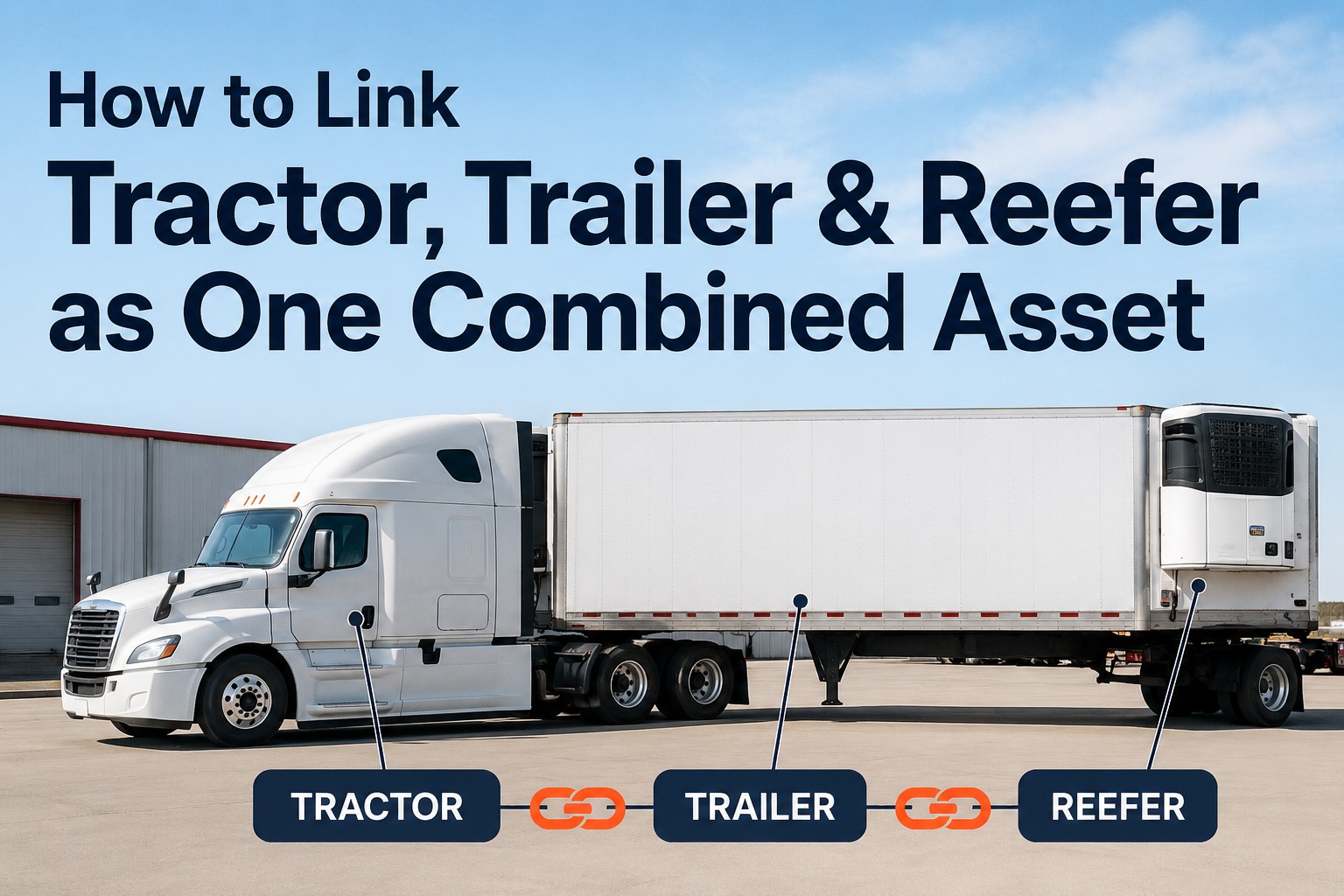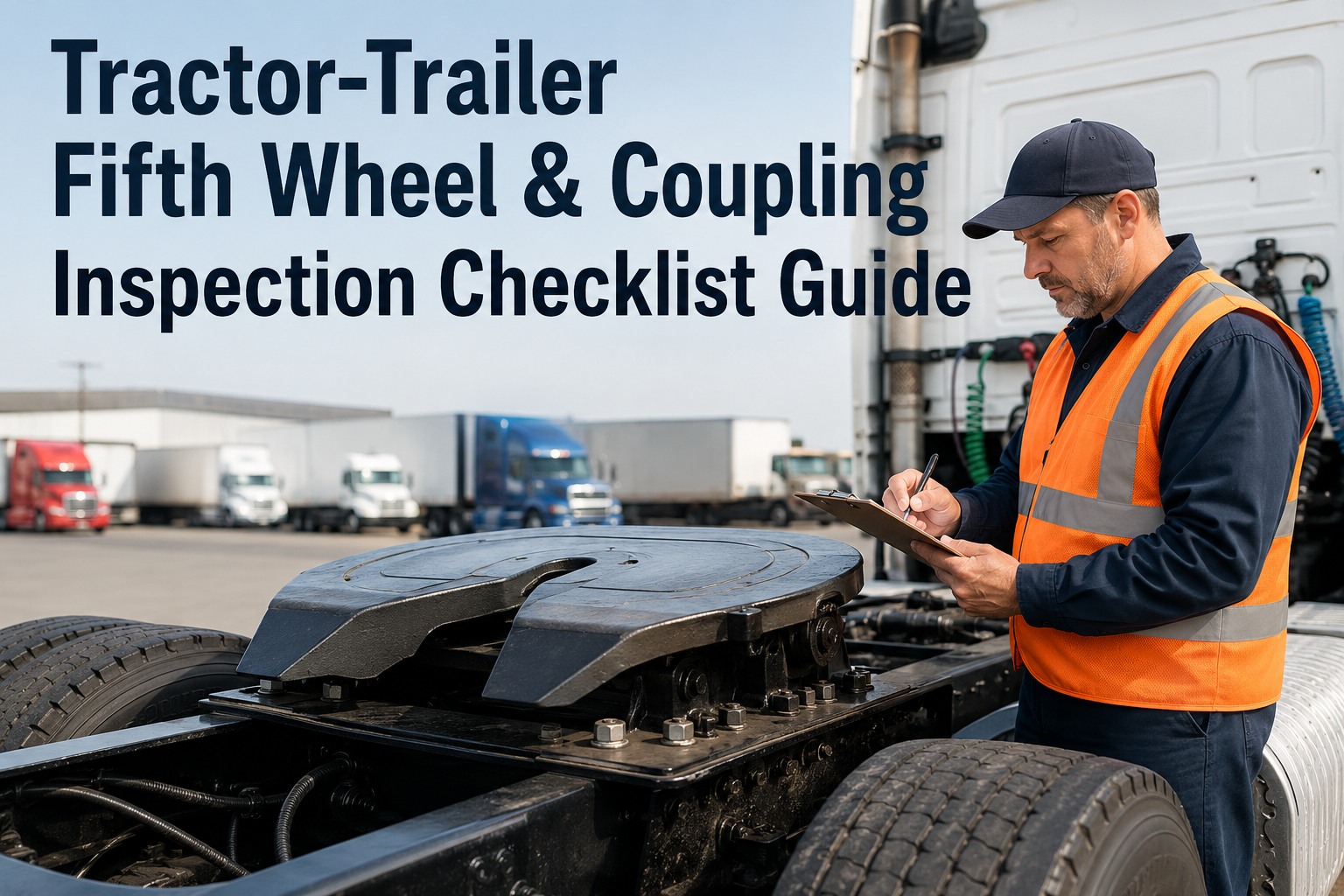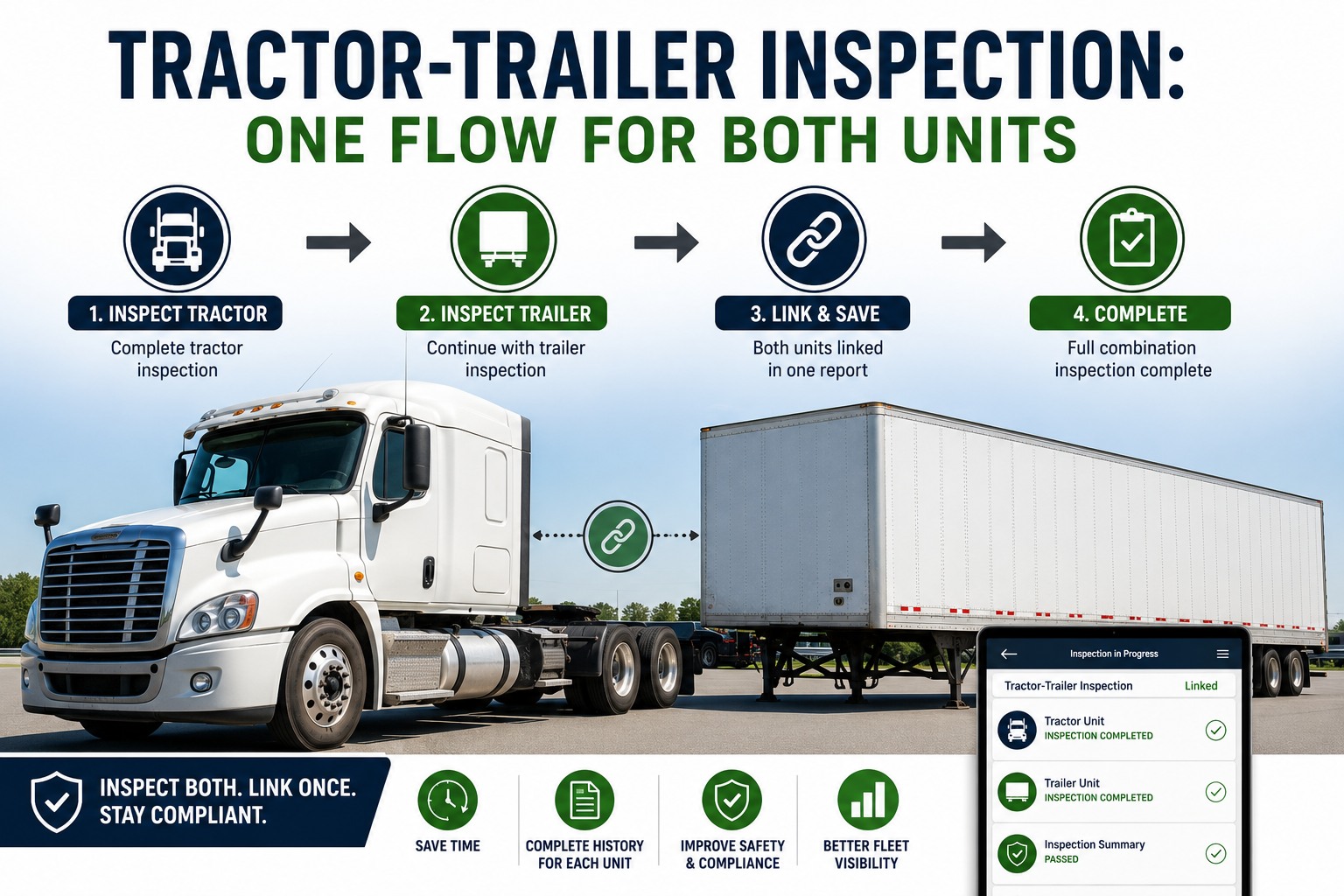
A tractor might pull three different trailers in a single week under a drop-and-hook operation, and each of those units is a legally distinct asset with its own DVIR history, defect record, and annual inspection due date. When a driver grabs a different trailer out of the yard at 4 a.m., paper or single-asset digital tools force an ugly choice: duplicate the effort with a separate inspection per unit and lose the shared trip context, or blur the record by logging one inspection against "the truck" and hope nobody asks which specific trailer had the brake leak. A proper tractor trailer inspection solves this by linking both units in a single flow while keeping their histories permanently separate. Start free with HVI to run combined DVIRs that respect individual asset history.
Tractor-Trailer Inspection: One Flow for Both Units
Capture the tractor and trailer as distinct legal assets in a single linked inspection, so coupling checks are verified, defect histories never vanish, and audit lookups take seconds instead of days.
- Tractor DVIRFiled to Unit 214
- Trailer DVIRFiled to Unit 4471
- CouplingVerified & locked
- Trip RecordLinked
The drop-and-hook problem: who owns the defect?
In a drop-and-hook operation, the combinations change daily. A tractor might pull Trailer 4471 to a distribution center on Tuesday morning, drop it, hook to Trailer 8832 for the backhaul, and then pull Trailer 4471 again on Thursday. Under 49 CFR 396.11, every commercial motor vehicle requires a driver vehicle inspection report—but the regulation treats the tractor and the trailer as separate, legally distinct assets. Each has its own annual inspection due date, its own defect history, and its own compliance profile.
This creates a massive operational headache for Fleet Managers. If a driver uses a paper booklet or a rigid digital form built for single assets, they either duplicate their effort—filling out two entirely separate inspections with no shared trip context—or they blur the record by logging a single "truck" inspection. When you blur the record, defects vanish. If a driver notes a chafed air line on Trailer 4471 on Tuesday, but that trailer gets dropped at a customer yard and picked up by a different tractor on Wednesday morning, that defect report needs to follow the trailer, not the tractor. If it doesn't, the next driver hooks up a defective trailer and drives away blind to the risk. See how HVI chains DVIRs to the asset, not the driver by booking a quick walkthrough.
- ~12%
of all roadside out-of-service violations are tied to coupling and trailer connection failures
CVSA roadside inspection data - 2
legally distinct assets in every combination, each requiring its own DVIR under FMCSA rules
49 CFR 396.11 - 3-5
different trailers a single tractor may pull in a high-volume drop-and-hook week
Industry operational average - 100%
of combination units require individual annual periodic inspections, not a combo sticker
49 CFR 396.17
How a linked combination inspection flow actually works
A linked semi truck inspection doesn't mean doing half a job. It means structuring the workflow so the driver verifies the connection between the two units while filing separate defect data to each unit's permanent history. The flow moves from the power unit, through the coupling, to the trailing unit. You can map this exact workflow to your fleet in a few minutes.
Tractor Pre-Trip Capture
The driver opens the inspection on their mobile device, assigned to the power unit number. They walk the tractor: steer tires, brake chambers, fifth wheel jaw, drive axle suspension, lights, fluids, and dash indicators. Any defect flagged here—like a low steer tire or a faulty gauge—is filed directly against the tractor's asset profile.
Coupling & Connection Verification
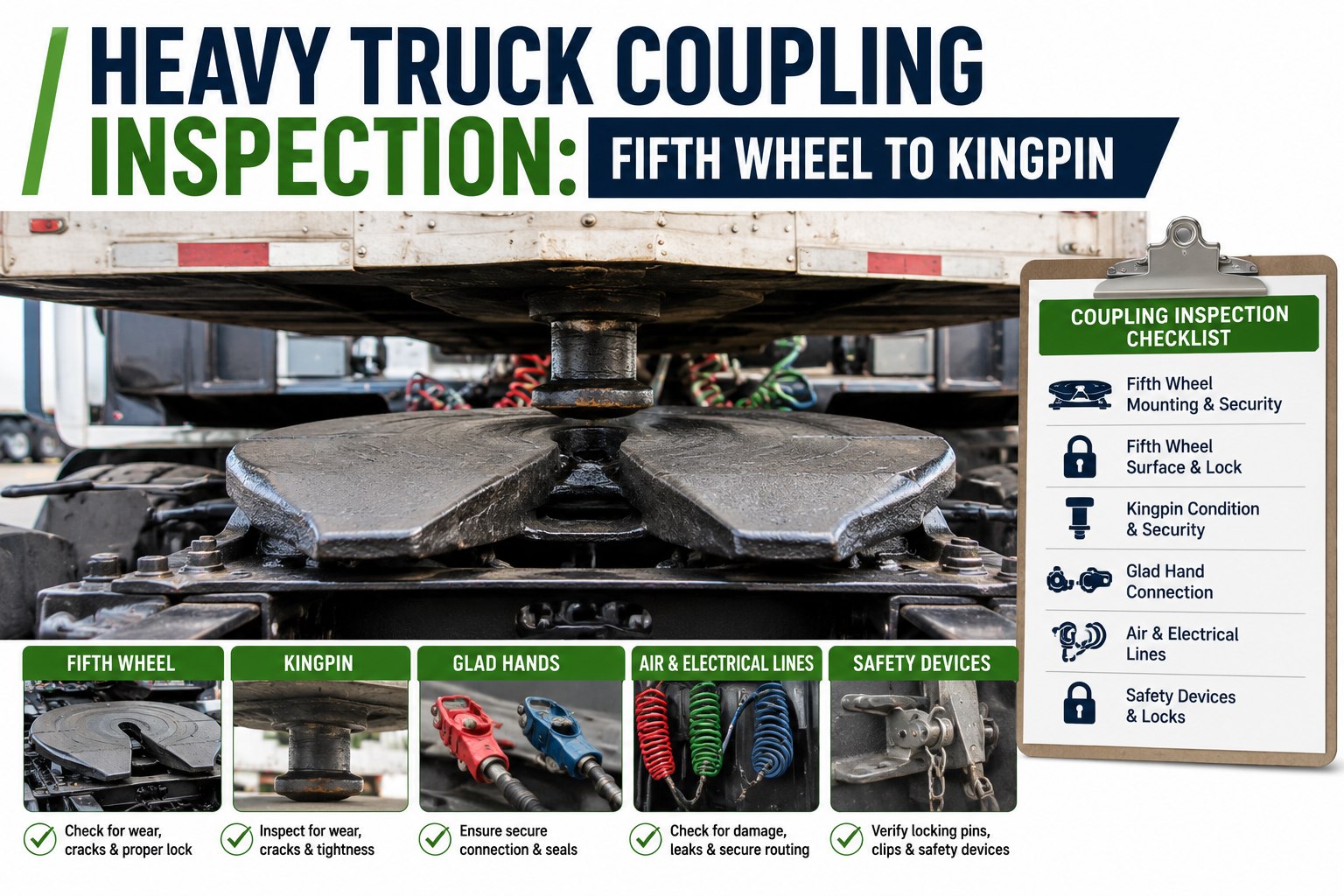
Before moving to the trailer's own systems, the driver verifies the interface between the two. This is where combination inspections often fail. The flow must force the driver to physically check the fifth wheel engagement, the gladhand connections, the air lines for chafing, and the electrical umbilical. A missed gladhand seal here is a roadside violation waiting to happen.
Trailer Pre-Trip Capture
The driver scans or selects the specific trailer number they just hooked to. They walk the trailer: landing gear, rear doors, tail lights, brake chambers, ABS cord, suspension, and cargo securement. Defects like a worn mudflap or a leaking brake pot are filed to the trailer's history, completely separate from the tractor.
Linked Filing & Asset Chaining
The driver signs once. The system files the tractor DVIR to the tractor's history, the trailer DVIR to the trailer's history, and creates a trip link showing they operated together on this date. If the driver drops that trailer later that day and hooks a new one, a new trailer inspection begins while the tractor inspection remains active.
Paper vs. linked digital: what actually changes
The difference between a paper process and a true linked digital flow isn't just about getting rid of carbon copies. It fundamentally changes how defect data survives across a swap. If you're still using paper, move your combination DVIRs online with HVI to stop losing defect records.
| Inspection Step | Paper / Single-Asset Digital | Linked Digital Flow (HVI) |
|---|---|---|
| Tractor Defects | Logged on a paper sheet that lives in a binder until someone manually enters it, if they remember which unit it was. | Filed instantly to the tractor's permanent digital history with time, date, and GPS location. |
| Trailer Defects | Often blurred into "the truck" inspection. When the trailer is dropped, the defect record stays with the driver's paperwork. | Filed to the specific trailer's history. If Trailer 4471 is dropped, its defect follows it to the next tractor. |
| Coupling Check | Usually a single checkbox that says "Coupling OK." No proof the driver actually verified the fifth wheel jaw or gladhands. | Forced pass/fail gates for fifth wheel engagement, air lines, and electrical. Requires a photo if marked defective. |
| Audit Retrieval | A DOT auditor asking to see every load Trailer 4471 pulled last quarter means digging through 90 days of driver paper booklets. | An instant filtered search showing every tractor that pulled Trailer 4471, every driver, and every defect noted. |
| Defect Continuity | A trailer defect reported on Tuesday vanishes when a different driver hooks it Wednesday. The defect is rediscovered at roadside. | The next driver who hooks Trailer 4471 sees an open defect alert on their device before they leave the yard. |
Expert view from the maintenance bay
"The worst feeling is getting a call from a roadside inspector about a brake chamber on Trailer 4471, pulling up our system, and seeing nothing. The driver who spotted it two days ago wrote it on a paper DVIR, dropped the trailer at the customer, and that paper went into his personal bag. The defect didn't follow the trailer. Now, if a driver marks a defect on a trailer, the next guy who hooks it gets a red flag on his phone before he even does his walkaround.
-- Marcus R., Fleet Maintenance Manager, regional reefer carrier
Why DVIR chaining matters at audit time
When a DOT auditor walks into your office, they don't just want to see that inspections happened. They want to see that your data is retrievable and that your defect resolution is traceable. If an auditor asks, "Show me every load Trailer 4471 pulled last quarter," that should be a ten-second lookup, not a three-day paper hunt through driver envelopes. A linked combination DVIR system ties the tractor, the trailer, the driver, and the date together in a single relational record. See how HVI handles audit retrievals by scheduling a demonstration.
More importantly, DVIR chaining stops defects from falling through the cracks during a swap. Consider this scenario: A driver notes a chafed air line on Trailer 4471 at 6 a.m. Tuesday. They drop the trailer at a customer yard at noon. At 2 a.m. Wednesday, a different driver from a different terminal hooks Trailer 4471 to a different tractor. Without a linked system, that second driver has no idea the air line is chafed. They do their walkaround, miss the damage in the dark, and get popped at a scale. With proper chaining, the moment the second driver selects Trailer 4471 on their device, the open defect from Tuesday morning pops up. They cannot close the pre-trip without acknowledging it and calling maintenance. Build a closed-loop defect process with HVI to keep your fleet safe and compliant.
Key requirements for a compliant combination DVIR
Not every digital inspection tool handles combinations correctly. If you're evaluating fleet maintenance software for your tractors and trailers, make sure the system can handle these core requirements without forcing drivers to log in and out of separate apps.
Separate Asset Histories
The system must maintain a permanent, unbroken inspection and defect history for each individual unit number. A tractor's history cannot be polluted by trailer defects, and vice versa. When you pull a trailer's profile, you should see every DVIR ever filed against it, regardless of which tractor pulled it.
Active Tractor, Multiple Trailers
In a drop-and-hook run, a driver might inspect three different trailers in one shift while operating the same tractor. The system must allow the tractor inspection to remain open while separate trailer inspections are filed as units are swapped, keeping the daily driver workflow seamless.
Mandatory Coupling Gates
The interface between the two units is where combination inspections fail. The flow must force the driver to verify the fifth wheel jaw is closed, the air lines are connected, the electrical cord is seated, and the slider is locked. A single "coupling OK" checkbox is not enough for a defensible audit trail.
Open Defect Alerts on Hookup
When a driver selects a trailer to hook up, the system must instantly display any open, unresolved defects from previous inspections. The driver must acknowledge these defects before completing the new pre-trip, ensuring damaged equipment doesn't silently re-enter service.
Relational Trip Records
Every inspection must be linked to a trip record that shows which tractor pulled which trailer, on what date, with which driver. This relational data is what makes audit lookups instant and allows you to trace the operational history of any single asset across its lifetime.
Independent Annual Tracking
The tractor and trailer have different annual inspection due dates under 49 CFR 396.17. The system must track these independently, alerting you when the tractor's Form M is due and when the trailer's periodic inspection is expiring, without confusing the two records.
Frequently asked questions
Does the driver need to fill out two separate DVIRs for a tractor and trailer?
Legally, yes—both units require inspection under 49 CFR 396.11. Operationally, no—the driver should not have to do double the paperwork. A linked digital flow lets the driver complete one continuous walkaround, but the system files the data as two separate reports attached to the respective unit histories.
What happens to the inspection record when a trailer is dropped at a customer yard?
The trailer's inspection and any noted defects stay permanently attached to that trailer's asset profile. When a different driver hooks that trailer later, the open defects follow the trailer, not the original driver or tractor. This ensures the new driver is aware of any existing issues before operating the combination.
How should coupling verification be handled in a combination inspection?
Coupling verification should be a mandatory pass/fail gate between the tractor inspection and the trailer inspection. The driver must confirm the fifth wheel is locked, air lines are connected without leaks, and the electrical umbilical is seated. If any item fails, the driver should be required to document it with a photo before proceeding.
Can a single driver inspect multiple trailers in one shift?
Yes. In drop-and-hook operations, the tractor inspection remains active for the duration of the shift, while the driver files new trailer inspections each time they swap units. This accurately reflects the day's operations without forcing the driver to re-inspect the power unit every time they change trailers.
How does a linked DVIR system help during a DOT audit?
A linked system ties the tractor, trailer, driver, and date together in a relational database. If an auditor asks to see every time a specific trailer was pulled in the last 90 days, or wants proof that a specific defect was resolved, the fleet manager can pull that data in seconds rather than digging through paper booklets.
Conclusion: one flow, two histories, zero gaps
A tractor trailer inspection shouldn't force you to choose between operational efficiency and legal compliance. By running a single linked flow that respects the distinct asset history of both the power unit and the trailer, you eliminate the blind spots that plague drop-and-hook operations. Coupling checks get verified, defect records follow the trailer instead of vanishing in a driver's paper booklet, and audit lookups become a ten-second search instead of a three-day panic. When combinations change daily, your inspection data needs to be just as dynamic. Get started with HVI today to bring your combination DVIRs into one linked, defensible flow.
Put linked combination DVIRs on every driver's phone
HVI files tractor and trailer inspections to their own permanent histories while linking them in a single trip record. Coupling gates are mandatory, defects follow the trailer, and audit lookups are instant.
No credit card · No hardware · Live on your fleet in under two weeks